PositionMaster EDP300 | CI/EDP300-EN Rev. C 29
8 Operation
8.1 Safety instructions
CAUTION
Risk of injury due to incorrect parameter values!
Incorrect parameter values can cause the valve to move
unexpectedly. This can lead to process failures and result in
injuries.
— Before recommissioning a positioner that was previously
in use at another location, always reset the device to its
factory settings.
— Never start Auto Adjust before restoring the factory
settings.
If there is a chance that safe operation is no longer possible,
take the device out of operation and secure it against
unintended startup.
8.2 Parameterization of the device
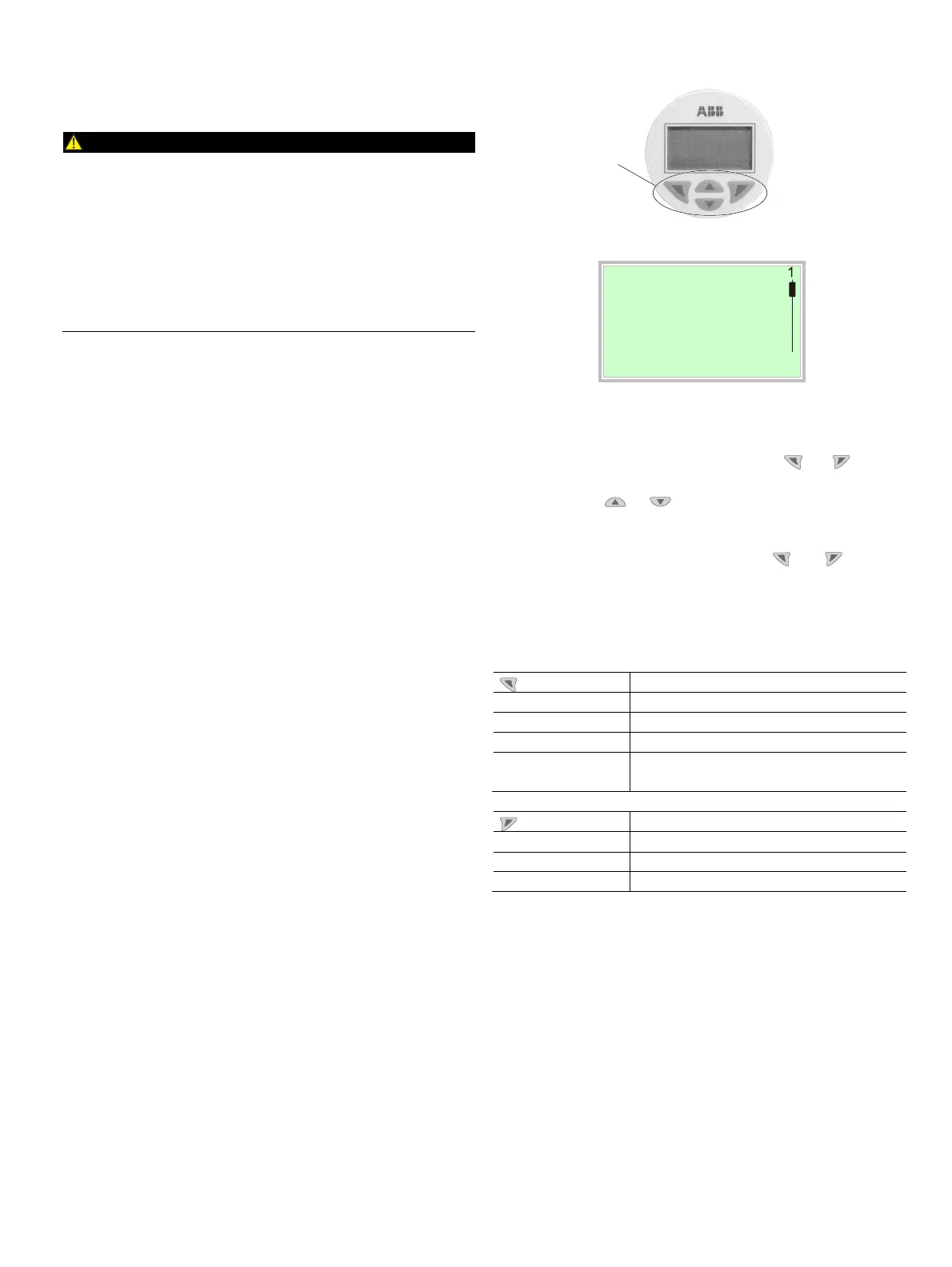
The LCD display features operating buttons which enable the
device to be operated with the housing cover open.
8.2.1 Menu navigation
2
Menu
3
4
Exit Select
Fig. 27: LCD display
1 Operating buttons for menu navigation
2 Menu name display 3 Menu number display
4 Marking to indicate the relative position within the menu
5 Display of the current function of the buttons and
You can use the or operating buttons to browse
through the menu or select a number or character within a
parameter value.
Different functions can be assigned to the and
operating buttons. The function that is currently assigned
5
is shown on the LCD display.
Operating button functions
Meaning
Exit
Exit menu
Back
Go back one submenu
Cancel
Cancel parameter entry
Next
Select the next position for entering numerical
and alphanumeric values
Meaning
Select
Select submenu / parameter
Edit
Edit parameter
OK
Save parameter entered
M10145-01
1



 To Next Page