30 CI/EDP300-EN Rev. C | PositionMaster EDP300
Change from two to one column
8.3 Menu levels
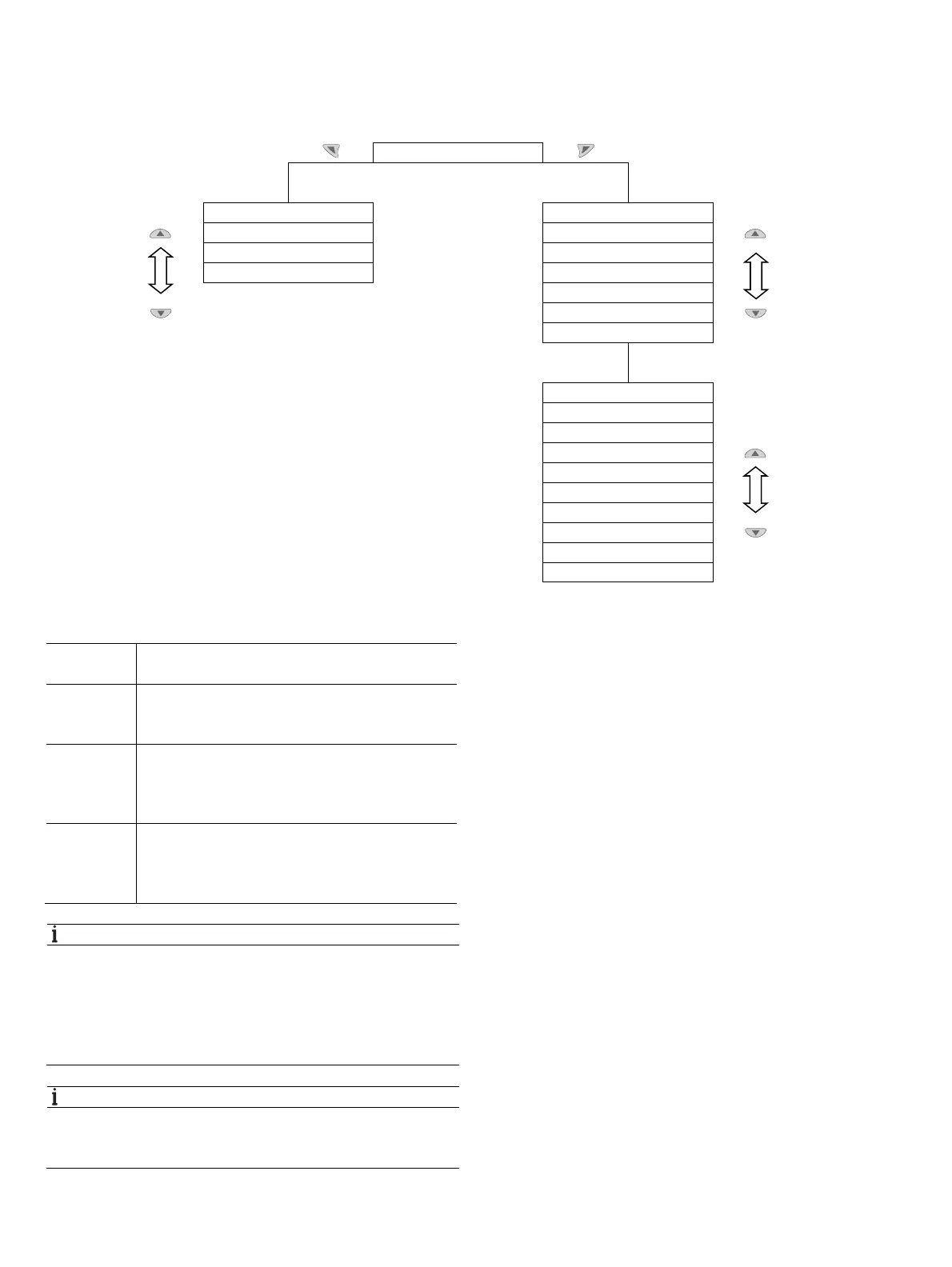
There are two levels under the process display.
Process display
Information level Operating modes menu
Diagnosis Auto Adjust
Operator Page 1 Adaptive
Signals View Control
Manual SP
Manual Sensor
Configuration
Configuration level
Easy Setup
Device Setup
Display
Control
Input/Output
Communication
Diagnosis
Device Info
Service
Change from one to tw o columns
Process
display
The process display shows the current process values.
Information
level
The information level contains the parameters and
information that are relevant for the operator. The device
configuration cannot be changed on this level.
Operating
modes menu
In the operating modes menu, the Auto Adjust function
can be started for commissioning purposes. You can
also change the operating modes and switch to the
configuration level.
Configuration
level
The configuration-, parameterization instruction contains
all the parameters required for device commissioning
and configuration. The device configuration can be
changed on this level.
NOTICE
Property damage
During external configuration via a PC, the positioner no
longer responds to the set point current. This may lead to
process failures. Prior to external configuration, always move
the actuator to the safety position and activate manual
adjustment.
NOTICE
For detailed information on the parameterization of the
device, consult the associated operating instructions and
configuration and parameterization instructions.



 To Next Page