Checking Glucose
Use the Reader to wirelessly scan the Demo Sensor and get a sample
reading. The Demo Reader will cycle through 10 dierent pre-loaded
readings screens in sequential order upon each successful scan. Powering-
o the Reader will not aect the order of display. The demo Reader will
not read a Sensor that has been applied to a body.
Step Action
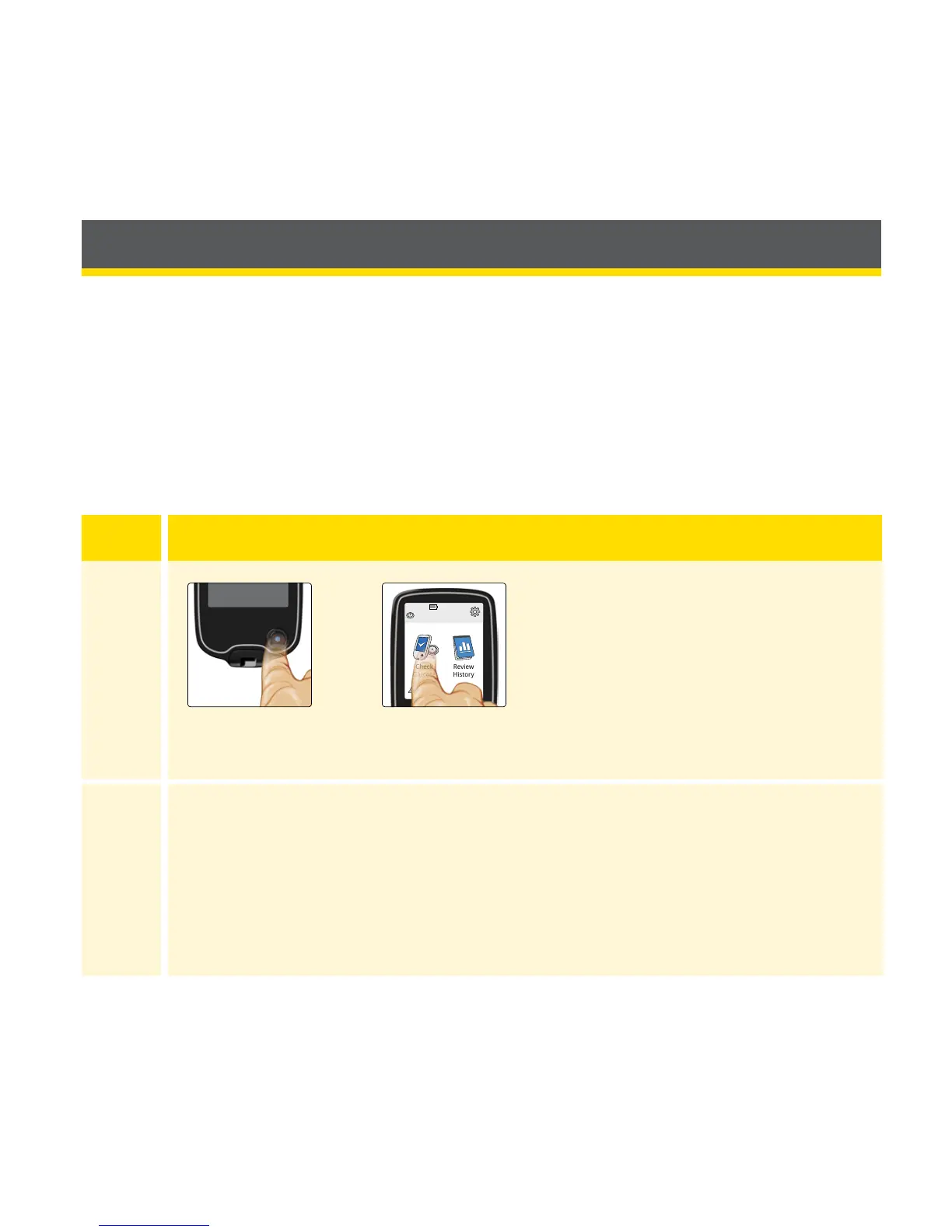
1
Turn the Reader on by pressing
the Home Button or touch
Check Glucose from the Home
Screen.
2
Hold the Reader within 4 cm (1.5 inches) of the Sensor to scan it.
If sounds are turned on, the Reader beeps when the Sensor has
been successfully scanned.
















 To Next Page