33
Language
Language
Language
Language
34
Language
Language
LanguageLanguage
Transferring Results to a Computer
Transferring test results to a computer requires a compatible data management system. For more
information, please go to our website or contact Customer Service.
Error Messages
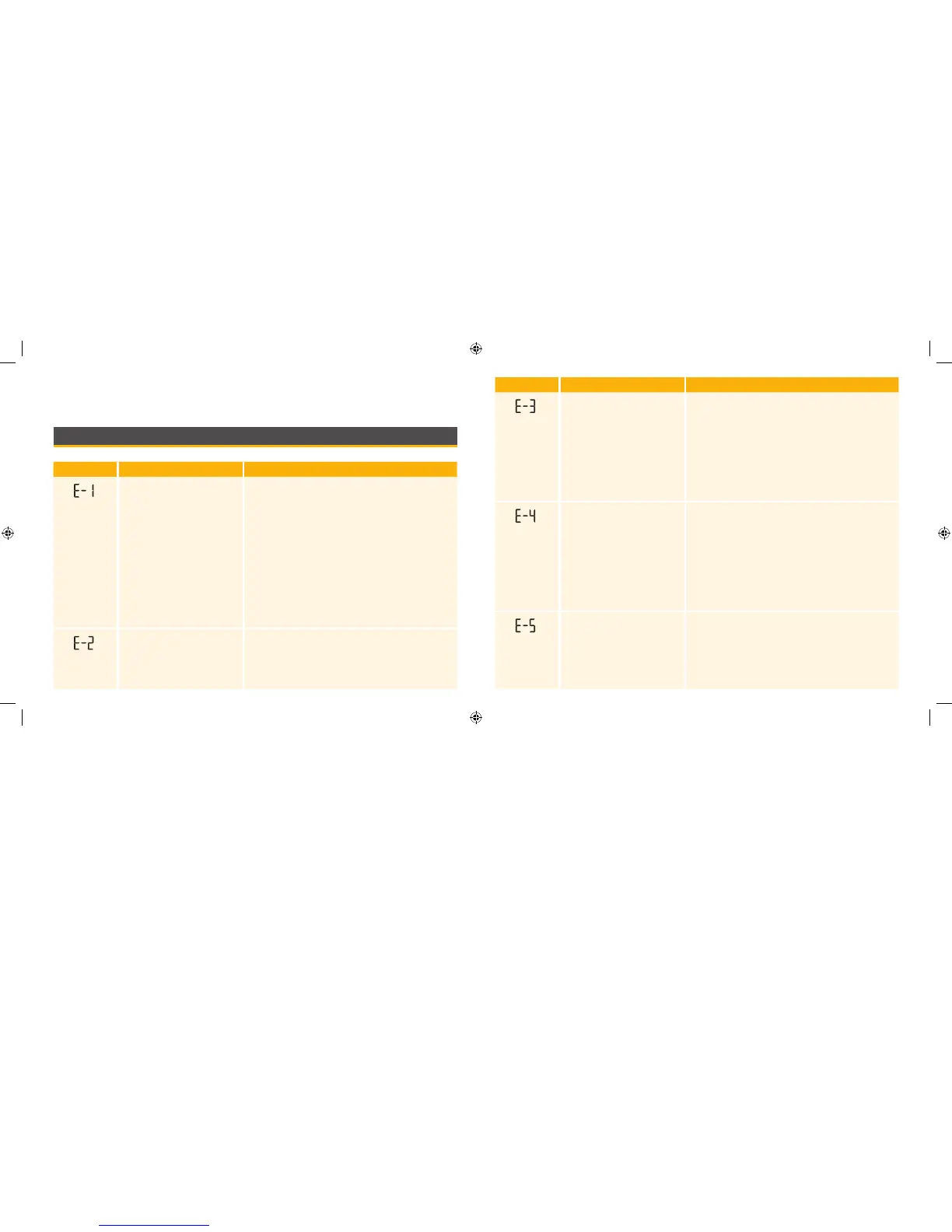
Message What It Means What To Do
The temperature is too hot
or too cold for the meter to
work correctly
1. Move the meter and test strips to a location
where the temperature is within the test strip
operating range. (See test strip instructions for
use for the appropriate range.)
2. Wait for the meter and test strips to adjust to
the new temperature.
3. Repeat the test using a new test strip.
4. If the error reappears, contact Customer Service.
Meter error 1. Turn o the meter.
2. Repeat the previous testing steps.
3. If the error reappears, contact Customer Service.
Message What It Means What To Do
The blood glucose level may
be too low to be read by the
system
or
There may be a problem with
the test strip
1. Review the testing instructions.
2. Repeat the test using a new test strip.
3. If the error reappears, contact your healthcare
professional immediately.
The blood glucose level may
be too high to be read by the
system
or
There may be a problem with
the test strip
1. Repeat the test using a new test strip.
2. If the error reappears, contact your healthcare
professional immediately.
Blood was applied to the test
strip too soon
1. Review the testing instructions.
2. Repeat the test using a new test strip.
3. If the error reappears, contact Customer Service.
ART20287_Rev-A-Man.indd 33-34 11/17/10 3:01 PM















 To Next Page