3
Language
Language
Language
Language
4
Language
Language
LanguageLanguage
Monitoring System Kit Contents
Monitoring System Kit contains:
•Meter
•User’s Manual
•Carrying Case
•Logbook
•Warranty Card
Your Kit may also contain:
•Blood Glucose Test Strips
•Lancing Device
•Lancets
Items not included:
•Blood β-Ketone Test Strips
•Control Solutions
•Data Management System
Setting Up the Meter
Enter Setup Mode
Start with the meter o (no test
strip inserted).
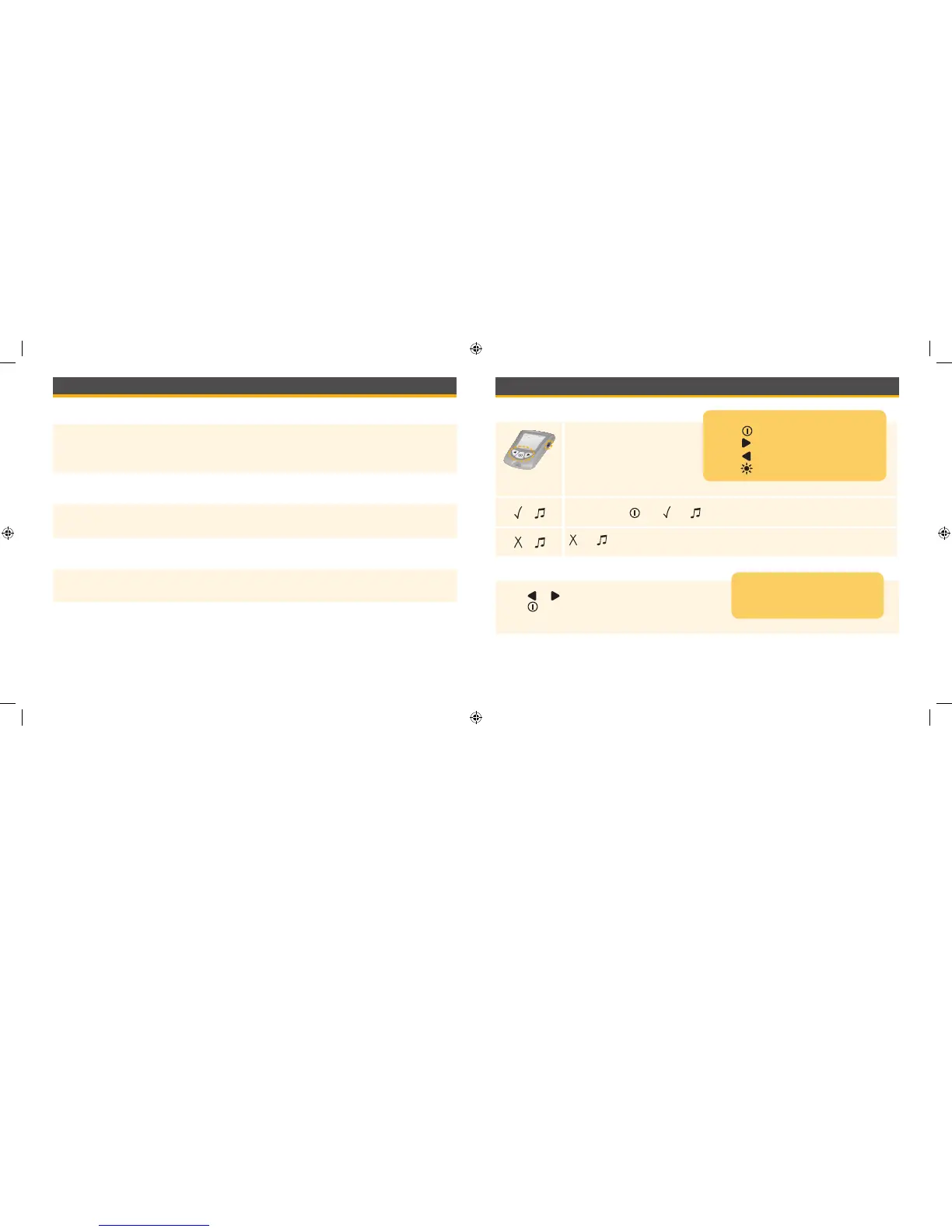
Press and hold until and appear. This indicates the beeper is turned on.
and indicate the beeper is turned o.
Beeper
Press or to change the beeper setting.
Press to save the beeper setting and move
to set time.
Commands
•Press to move between setup displays
•Press to move forward
•Press to go back
•Press to turn display light On and O
The beeper sounds when:
•The test countdown starts
•The test countdown ends
ART20287_Rev-A-Man.indd 3-4 11/17/10 3:01 PM















 To Next Page