11
Language
Language
Language
Language
12
Language
Language
LanguageLanguage
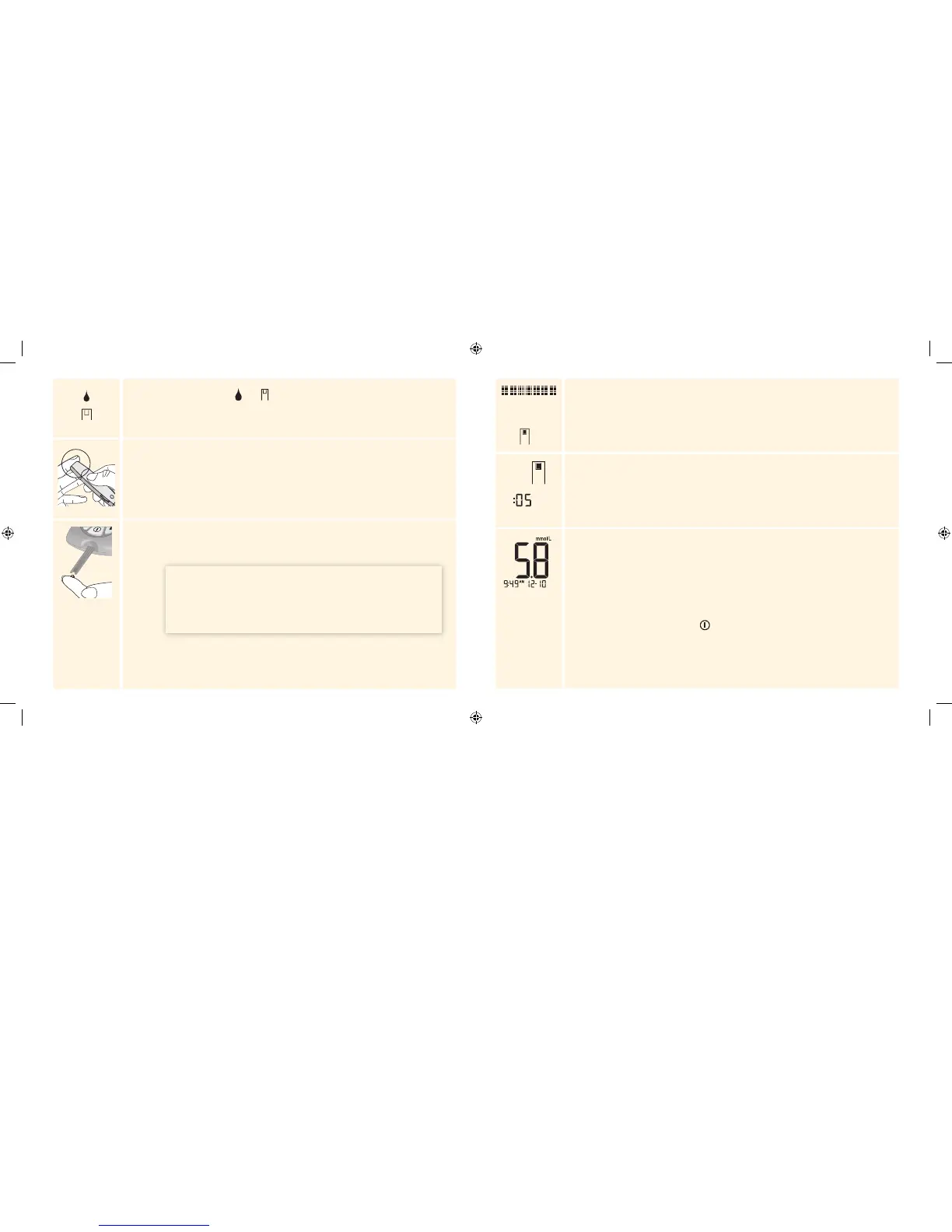
The Apply Sample symbols and appear next, indicating the meter is ready for
you to apply a sample to the test strip.
2
Obtain a Blood Sample
Select a test site. Use the lancing device to obtain a blood sample. (See lancing
device instructions for use for more information.)
Apply Blood to the Test Strip
Bring the blood drop to the white area at the end of the test strip. The blood is
drawn into the test strip.
IMPORTANT: If the countdown does not start, you may not
have applied enough blood to the test strip. See test strip
instructions for use for re-application instructions. If the
countdown still does not start, remove the used strip and
discard it correctly. Start a new test with a new test strip.
Hold the blood drop to the white area until the meter beeps (if sound is on) and
the status bar appears on the display. This indicates the test strip has obtained
enough blood.
The countdown appears on the display as the meter checks your glucose level.
Note: Do not remove the test strip from the meter or disturb the test strip during the
countdown.
View the Result
The meter beeps (if sound is on) when the result appears on the display. The test is
complete (example shown). The result is stored in memory or you can write it in a
logbook.
Turn Off the Meter
Use the opened foil packet to remove the used test strip. This turns o the meter.
Discard the used test strip correctly.
Note: You can also press and hold for at least 2 seconds to turn o the meter. The
meter also turns o after 60 seconds of inactivity.
ART20287_Rev-A-Man.indd 11-12 11/17/10 3:01 PM















 To Next Page