18
Recall the LOT/CODE number
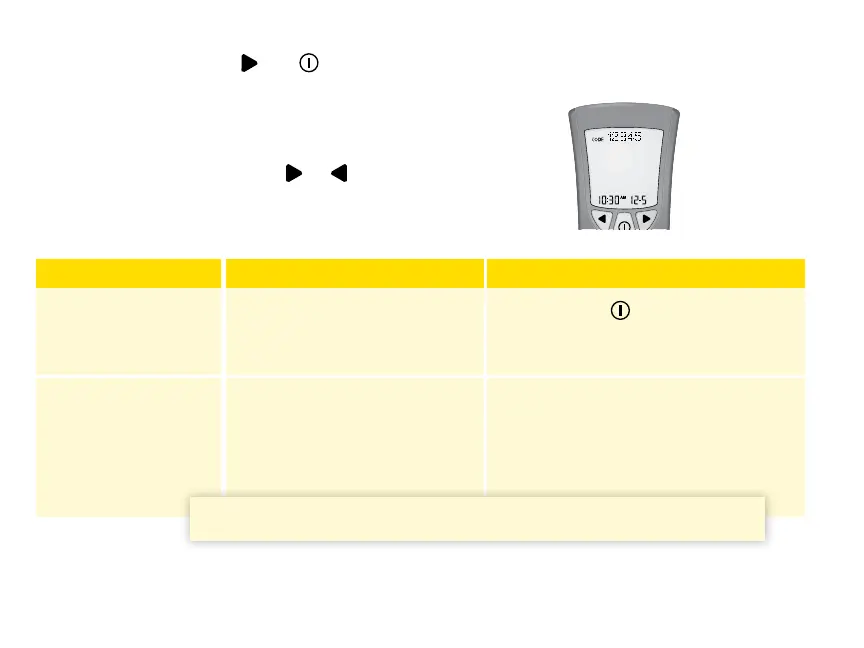
Press and continue to hold
and until all the following items appear on the display:
• Display check
• Glucose LOT number
• Time and date of the most recent glucose calibration
After the last item appears, press
or to display:
• Ketone LOT/CODE number
• Time and date of the most recent ketone calibration
LOT/CODE Number What It Means What To Do
Correct The meter is calibrated for the
box of test strips you are using
Press and hold
for 2 seconds to
turn o the meter.
Not Correct The meter may not be calibrated
for the box of test strips you are
using
Check to see that you are using the
calibrator that came packaged in the
box of test strips you are using.
Recalibrate the meter.
IMPORTANT: Improper calibration causes incorrect results.















 To Next Page