G-2 Appendix G
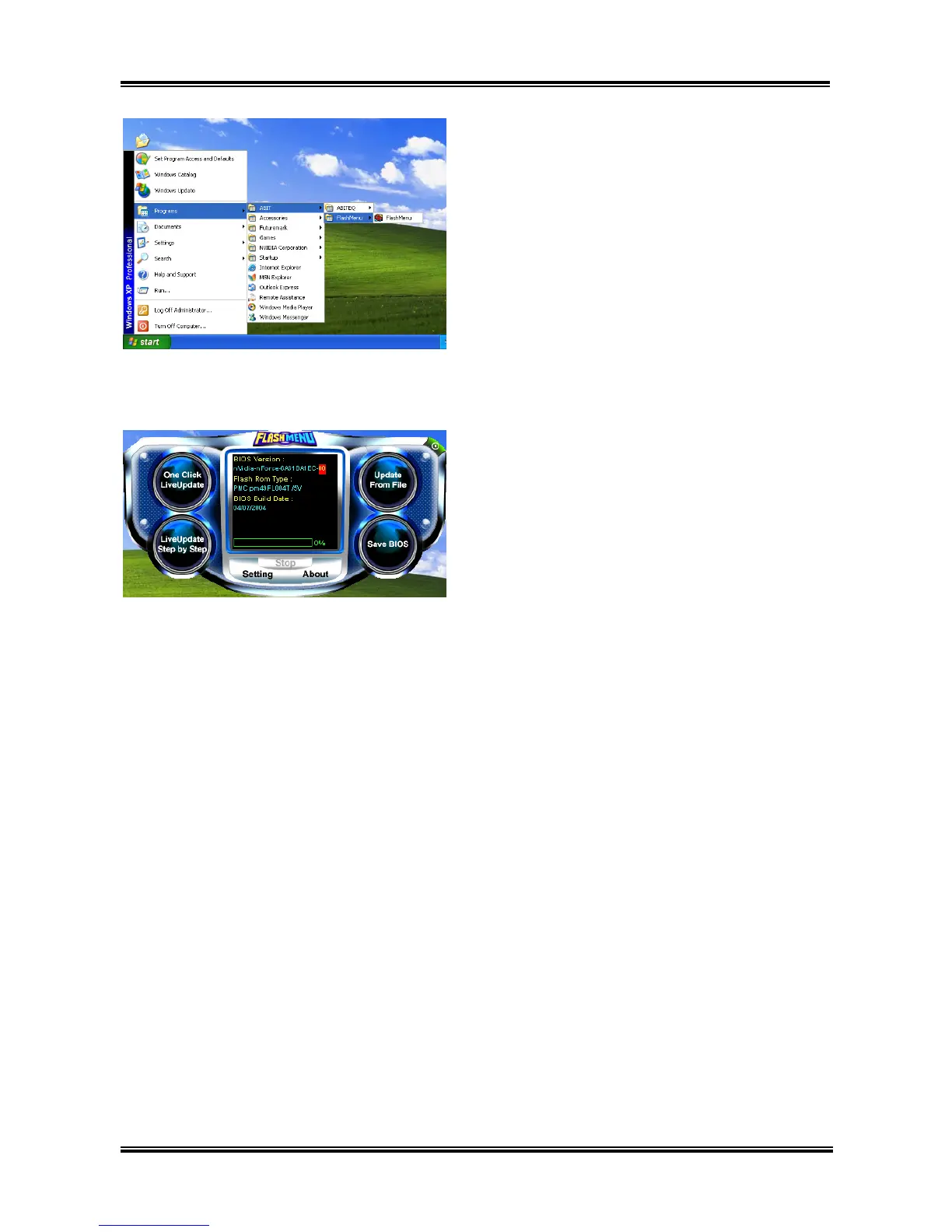
5. Execute the FlashMenu by entering the
Windows Menu [Start] $ [All Programs] $
[ABIT] $ [FlashMenu].
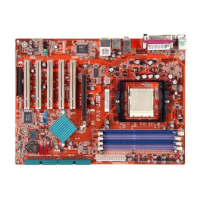
6. This FlashMenu screen appears. You can
easily update the BIOS from clicking [Update
From File], [One Click LiveUpdate], or
[LiveUpdate Step by Step] button.
UL8


 To Next Page