46
7. Bundle Software Installation Guide
7.1. Hardware Installation
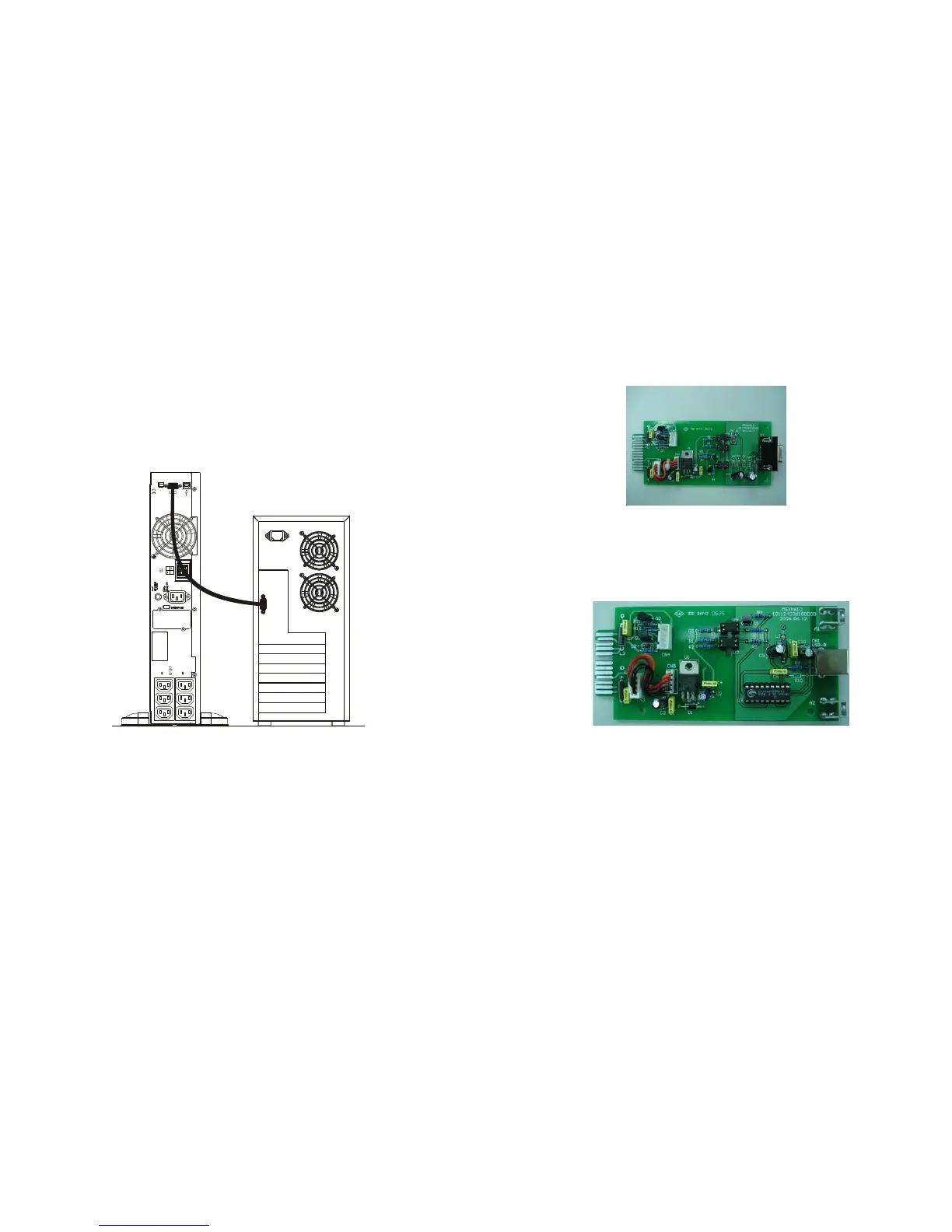
1. Connect the male connector of RS232/USB* cable to the UPS
communication port.
2. Connect the female connector of the RS232/USB* cable to a dedicated
RS232 port of the Computer.
3. For optional interface cards, please refer to Chapter 8 for more details.
*Note: Only RS232 cable is provided with the UPS. USB cable is optional
7.2. Software Installation
Please refer to the user’s manual of the bundled software CD_ROM for
installation guide.
EPO
G
DC 36V
AC OUTPUT
2
1
47
8. Optional Communication Cards
8.1. R2E (2nd RS-232 ) card
8.1.1. CN1 is for RS232 DB9.
8.1.2. For communication protocol, please refer to Chapter 3.4.1.
8.1.3. Installation Position: Optional Slot.
8.2. USE (USB) card
8.2.1. CN1 is for USB.
8.2.2. For communicaiton protocol, please refer to Chapter 3.4.2
8.2.3. Installation Position: Optional Slot







 To Next Page