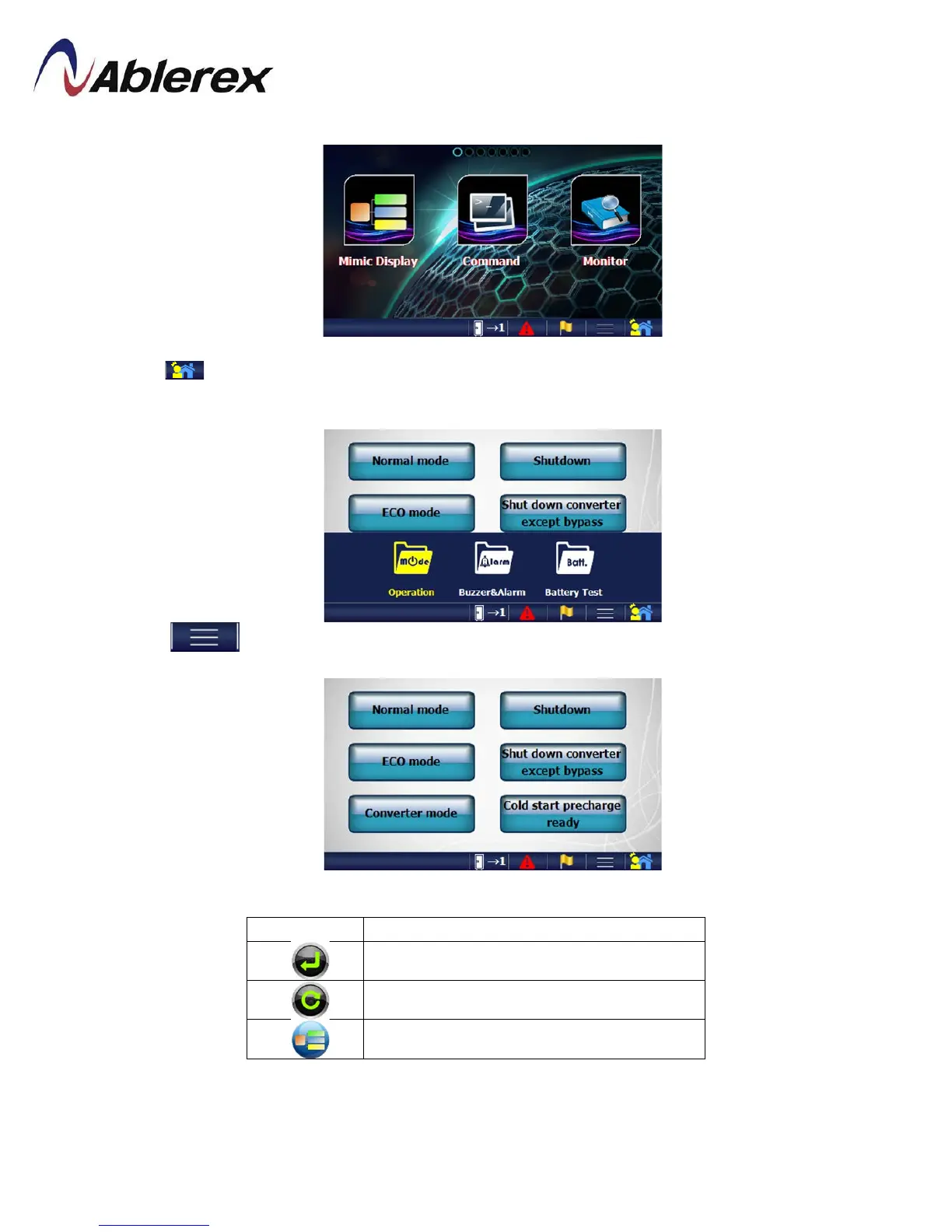
4.2 Menu
Click to enter to Menu screen as shown in above picture. Slide the screen to switch to
other menu page and click the menu icon to enter to the desire function.
Click to hide/show the sub-menu.
The button below will appear on some function pages.
Click it to save the new setting
Click it to reload the data
Click it to go to Mimic Display
48
192321262008007








 To Next Page