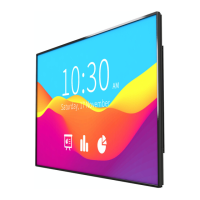
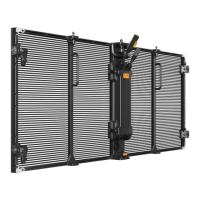
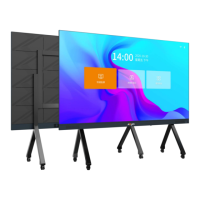
Absenicon3.0 C138 User Manual
3. Power on and off Guidance
3.1 Power-on steps
Use 100~240V 50/60Hz alternating current as the power supply of Absenicon3.0 conference screen.
1. Turn the power switch at the bottom of the Absenicon3.0 conference screen (next to the power
interface) to the "ON" position (the switch button indicator lights up in red);
2. Press the power button on the lower right corner of the Absenicon3.0 conference screen or the
power button on the remote control to turn on the screen (the power button indicator lights up in
blue);


 To Next Page
 Loading...