137
Trigger recording
Enable this in order to record motion detections onto an SD card.
8.6.10 Area input detection
This function detects the entry of an object into a marked area and immediately triggers an event.
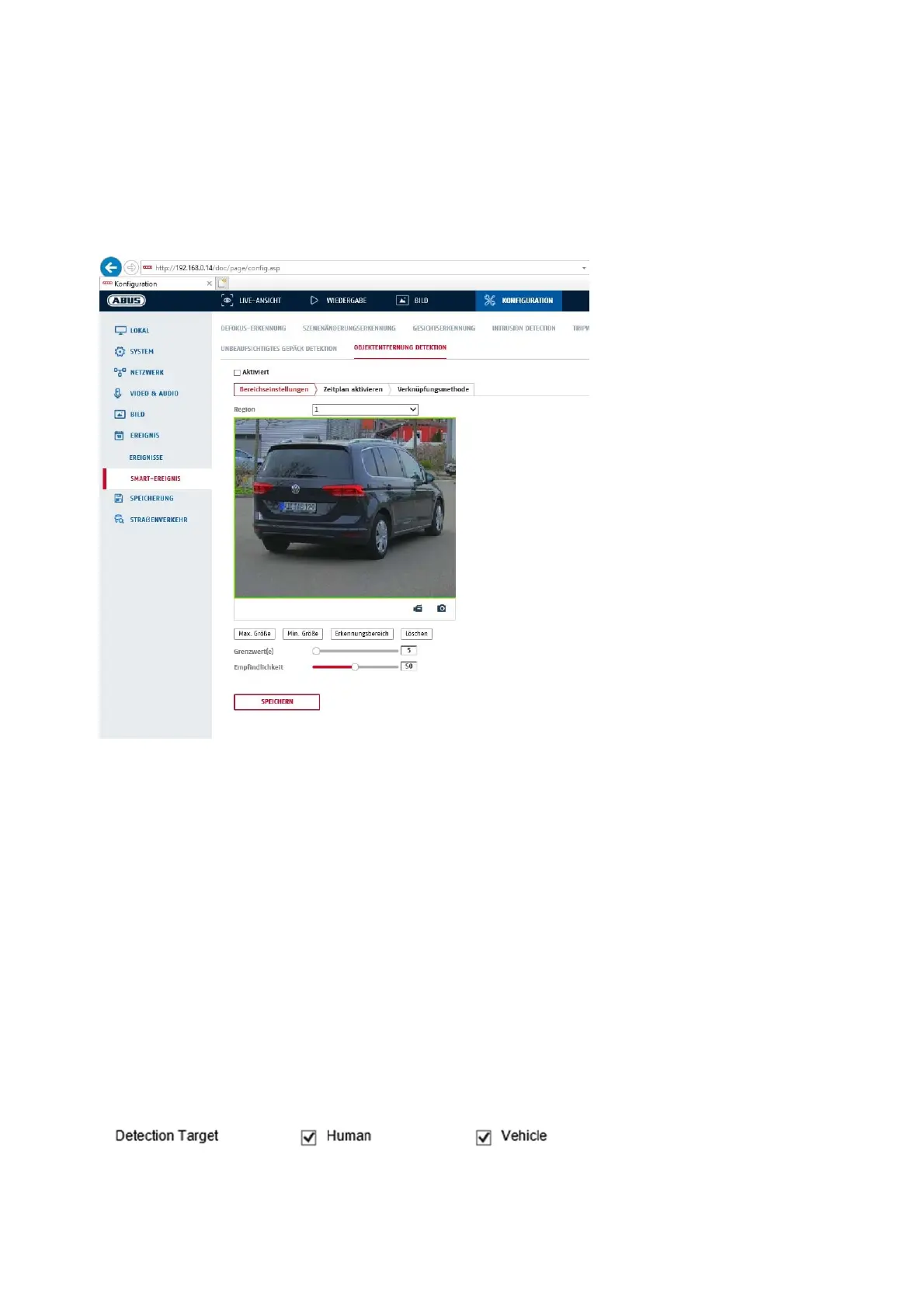
Preview video: configure the area to be monitored
Max. size: This function determines the maximum size of the object to be detected. This is done
by drawing a rectangle in the preview video. The rectangle can be drawn anywhere in
the preview video.
Min. size: This function determines the minimum size of the object to be detected. This is done
by drawing a rectangle in the preview video. The rectangle can be drawn anywhere in
the preview video.
Detection area: The area to be monitored can be drawn in the video image (quadrilateral area).
Operation: Press button -> set corner points using left mouse button (max. 4) -> press
right mouse button to finish drawing
Delete: delete the area.
Detection target
This menu item is the setting for object detection. Object detection detects people and vehicles on a neural
basis.



 To Next Page