98
8.2 System
8.2.1 System settings
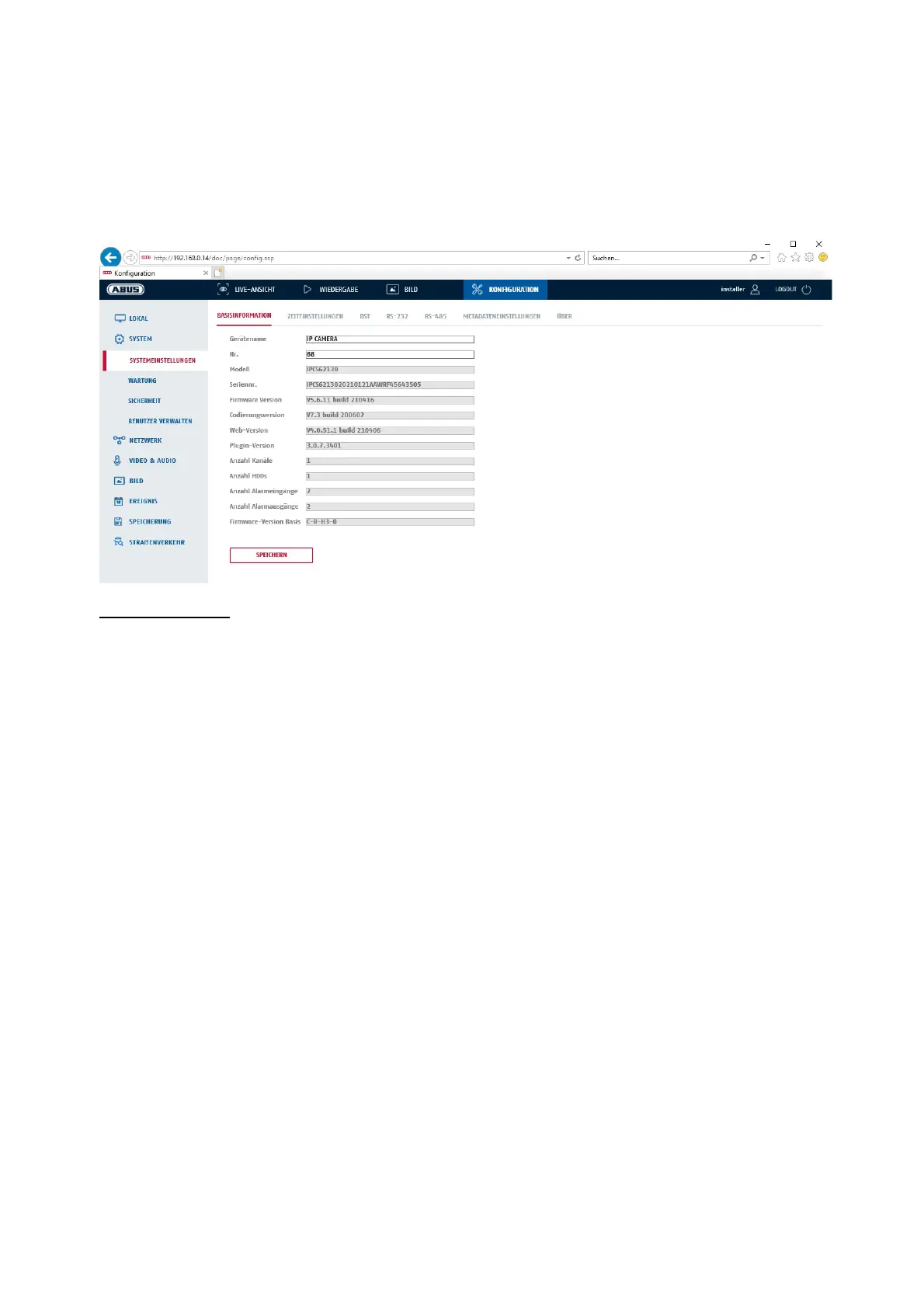
8.2.1.1 Basic information
Basic information
Device name:
You can specify a device name for the camera here. Click on "Save" to apply the change.
Model:
Model number display
Serial No.:
Serial No. display
Firmware version:
Firmware version display
Encoding version:
Encoding version display
Number of Channels:
Display of the number of channels
Number of HDDs/SDs:
Number of installed storage media (SD card, max. one)
Number of Alarm Input:
Display of the number of alarm inputs
Number of Alarm Output:
Display of the number of alarm outputs



 To Next Page