96
8. Configuration
8.1 Local configuration
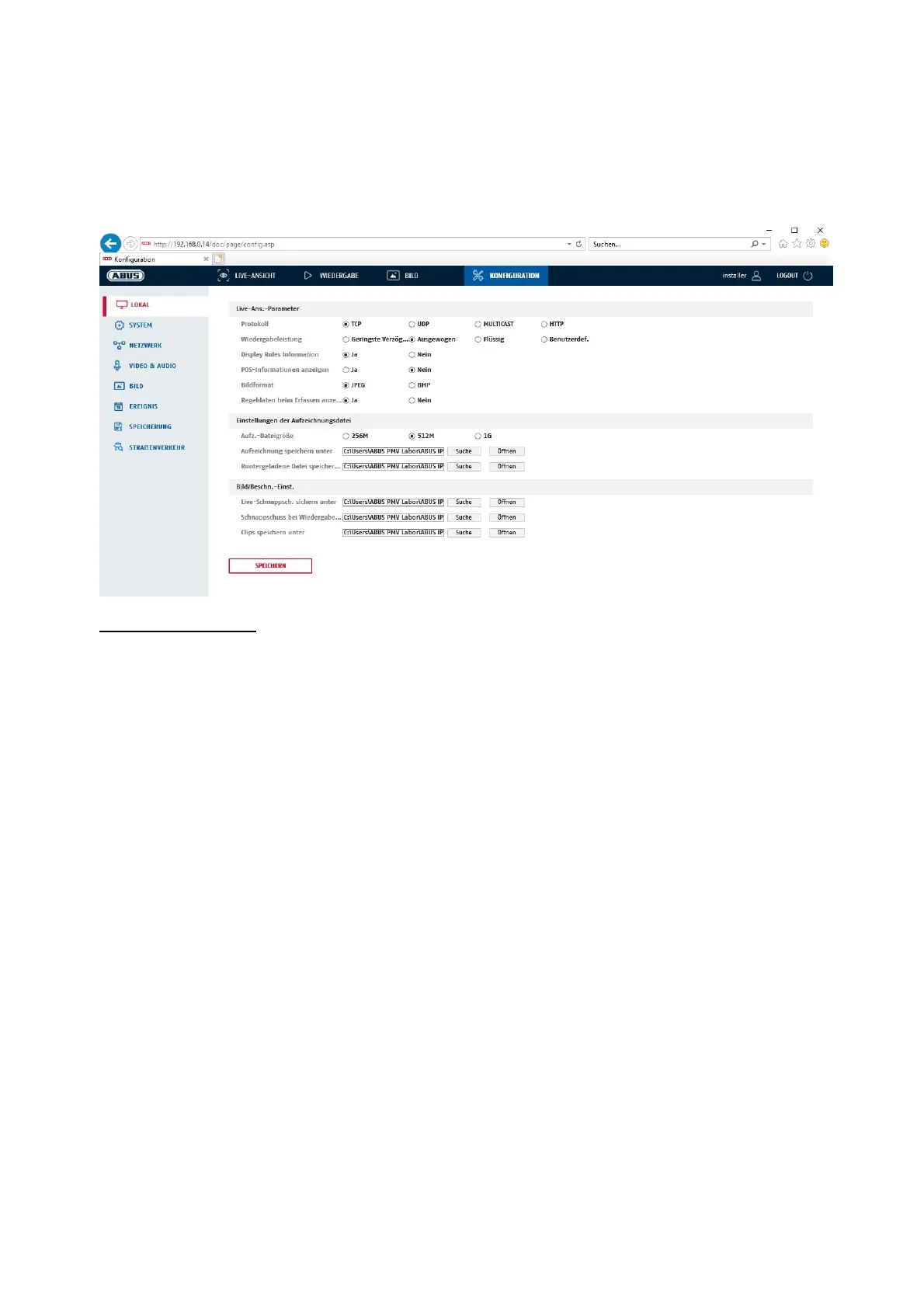
Under the “Local configuration” menu item, you can select settings for the live view, file paths of the
recordings and snapshots.
Live view parameters
Here you can set the protocol type and the live view performance of the camera.
Protocol
TCP: Transmission Control Protocol: Transmission protocol with safeguarding against
transmission errors. If there is a transmission error, packages are resent. However, if the
error frequency is too high, this protocol is negative for real-time transmission.
UDP: Real-time audio and video transmission without security mechanism
MULTICAST: Use of the multicast protocol (the network components must support multicast). Additional
multicast settings can be found under Configuration/Network.
HTTP: Control and video data are tunnelled via the HTTP port.
Live view performance
You can set the performance level for the live view here.
Live Indicator (Rules Information)
As soon as this function has been enabled, a frame will be displayed around the triggered area in the live
image for used and triggered motion detection.



 To Next Page