86
6.2 Accessing the network camera via a web browser
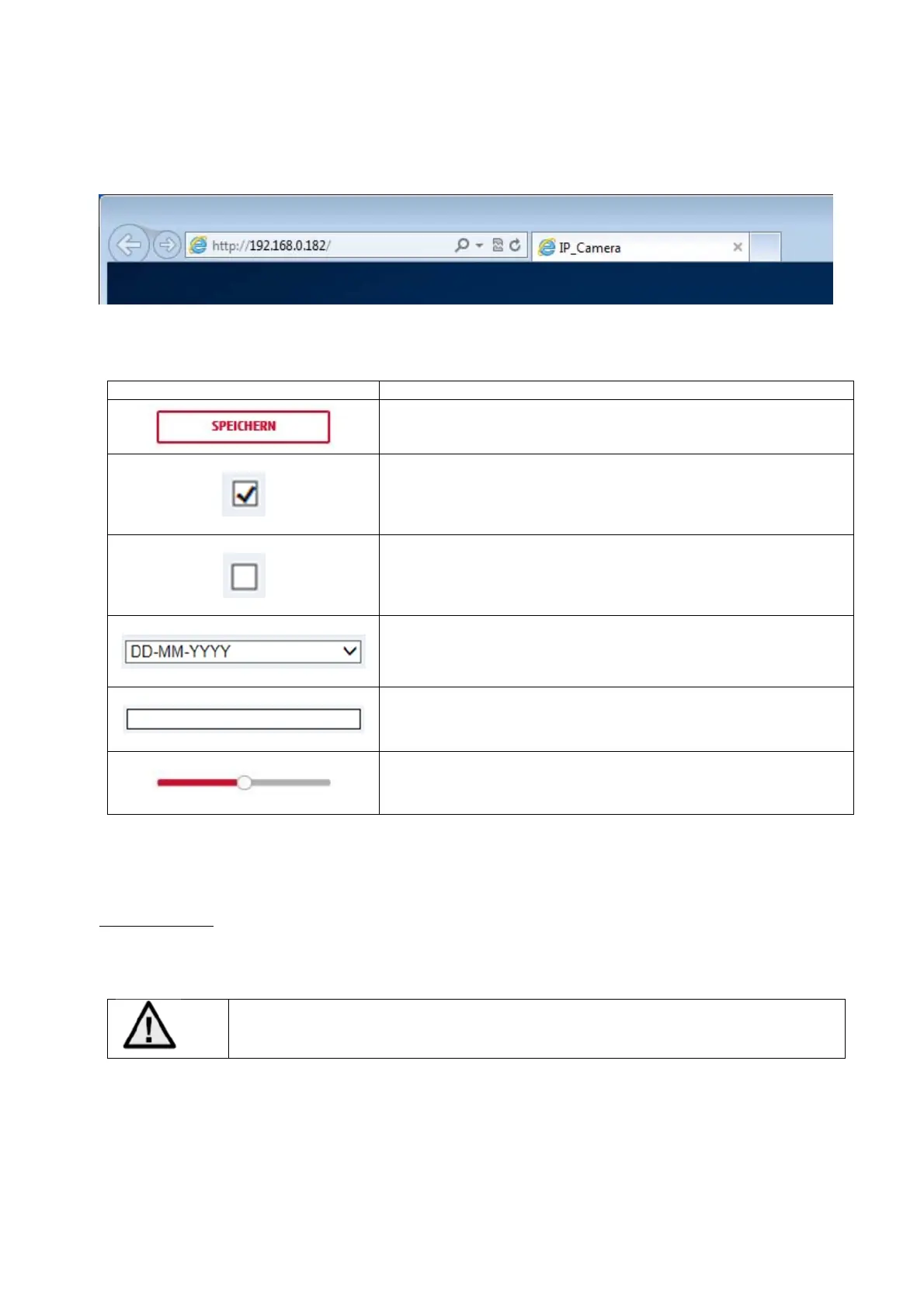
Enter the camera's IP address into the browser’s address bar (if a different HTTP port is used in Internet
Explorer you must also enter „
http://
“ before the IP address.)
6.3. General instructions for using the settings pages
Functional elemen
Description
Save settings that have been made on the page.
Please note that the new settings will only apply after the save
button has been pressed.
Function activated
Function deactivated
List selection
Input field
Slide control
6.4 Installing video plugin
Internet Explorer
A plugin called ActiveX is used for displaying videos in Internet Explorer. This plugin must be installed in the
browser. You will be asked to confirm the installation directly after entering your user name and password.
If the ActiveX Plugin installation is blocked by Internet Explorer, you will need to reduce
your security settings to install/initialise ActiveX.



 To Next Page