107
7.8.2 Single frame recording
After enabling and configuration, single frames can be saved on the SD card. The single
frames can be saved in a time-controlled and/or event-controlled manner.
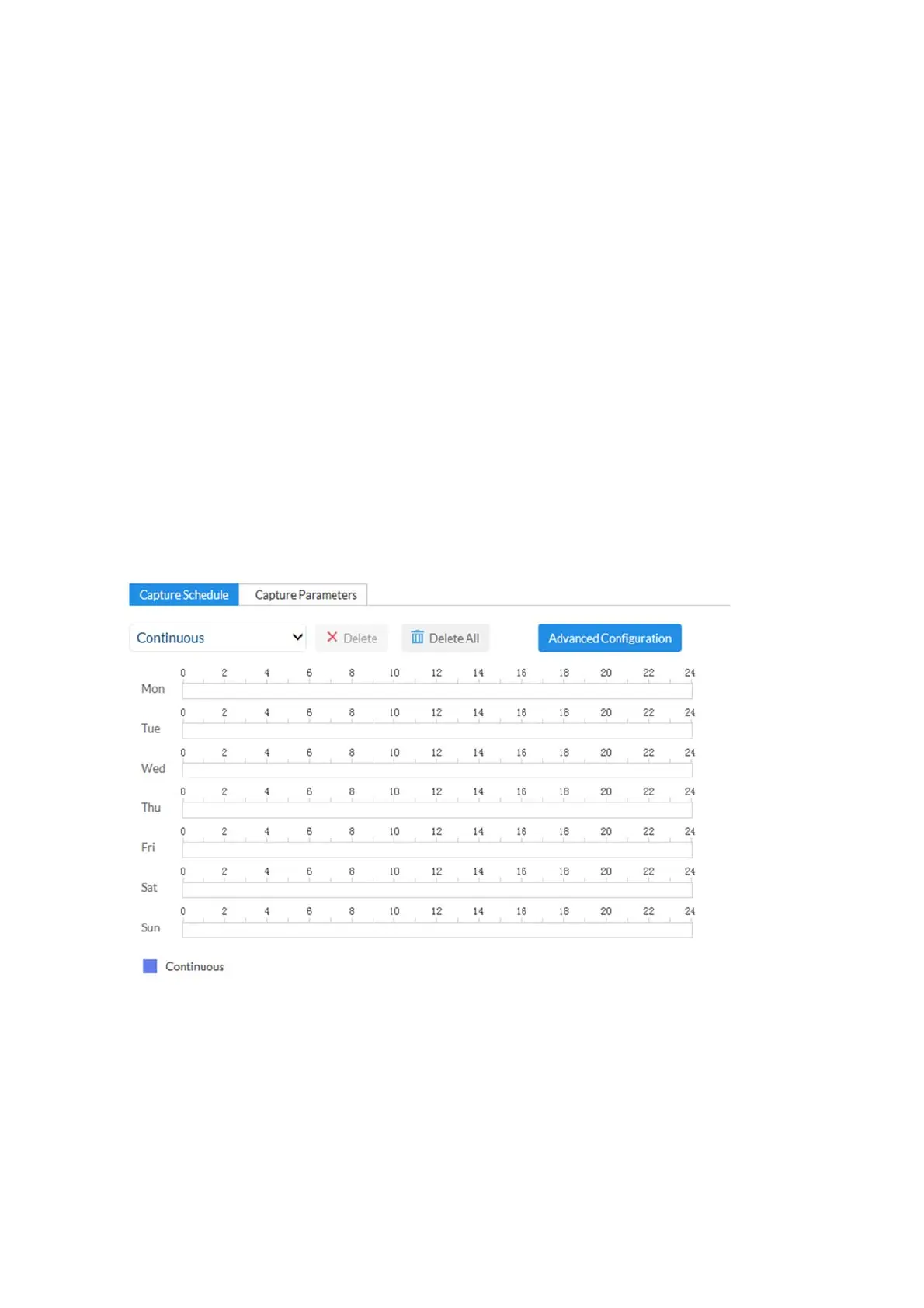
Enable sequential single frame recording: You can determine the schedule for storage
here.
Enable snapshot timing: enables time-controlled storage.
Format: available image formats for the single frames: JPEG
Resolution: available resolutions for the single frames: 1920x1080
Quality: available quality for the single frames: 3 levels
Interval: you can determine the save intervals (min. 1 second, max. 7
days) here.
Enable event-triggered snapshot: after enabling, single frames are saved to the SD card if
an event occurs (e.g. motion detection, cover detection)
Number of images: here you can define the number of images saved after
an event (1-120).



 To Next Page