69
4.2 Accessing the network camera via a web browser
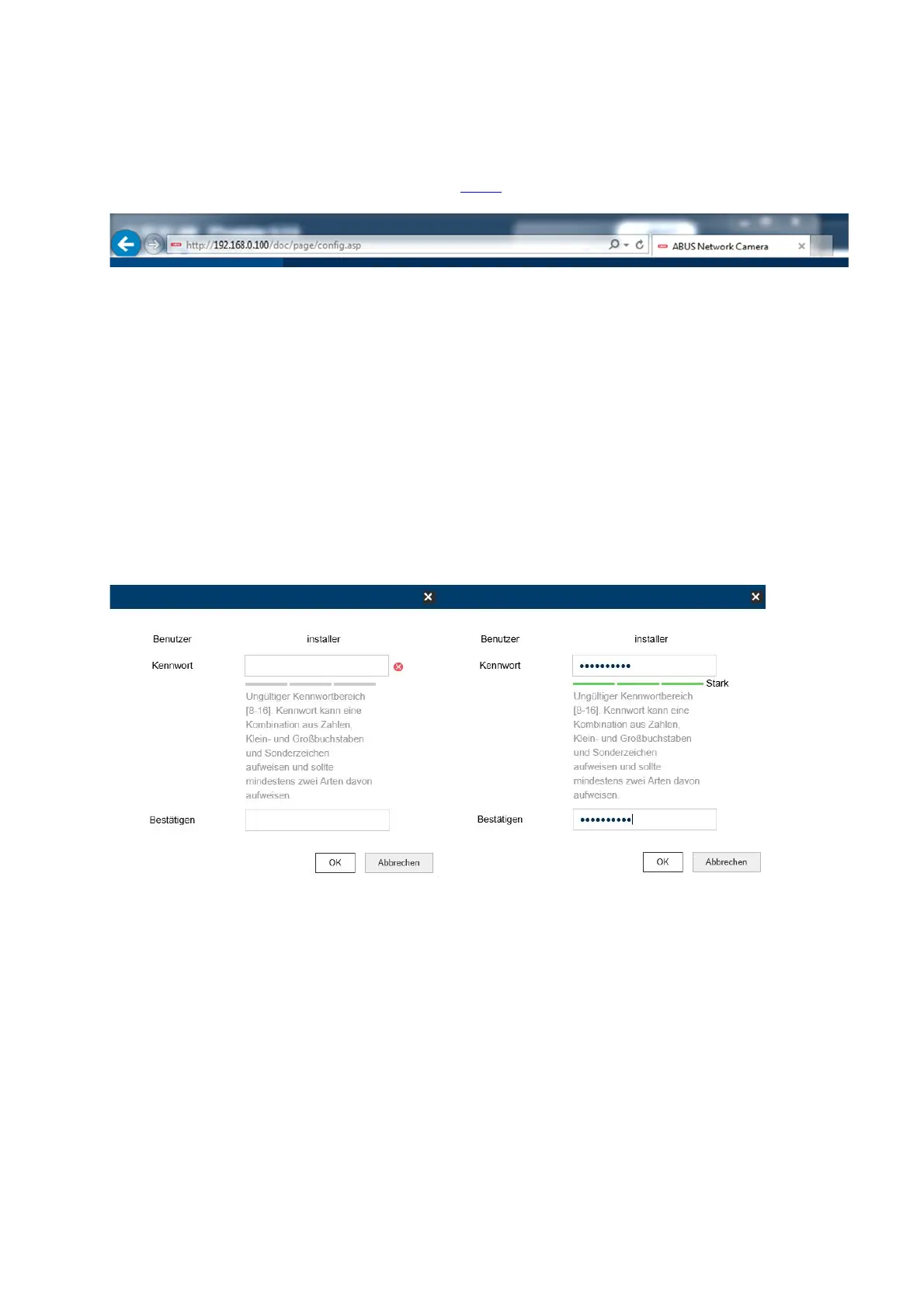
Enter the camera IP address into the address bar in the browser (if a different HTTP Port is
used in Internet Explorer you must also enter "http://“ before the IP address.)
4.3 Initial password assignment
For IT security reasons, use of a secure password with the appropriate usage of lower-case
letters, capital letters, numbers and special characters is recommended.
Passwords are not factory set and must be assigned when the camera is used for the first
time. This can be done via the ABUS IP installer (‘Enable’ button), or via the website.
A secure password must meet the following minimum requirements:
- 8–16 characters
- Valid characters: numbers, lower-case letters, capital letters, special characters ( ! $
% & / ( ) = ? + - )
- You must use at least two different types of character



 To Next Page