112
7.11.2 Cover detection
Enable cover detection: This function monitors the covering of an area in the video
image.
Preview: Preview and configuration area.
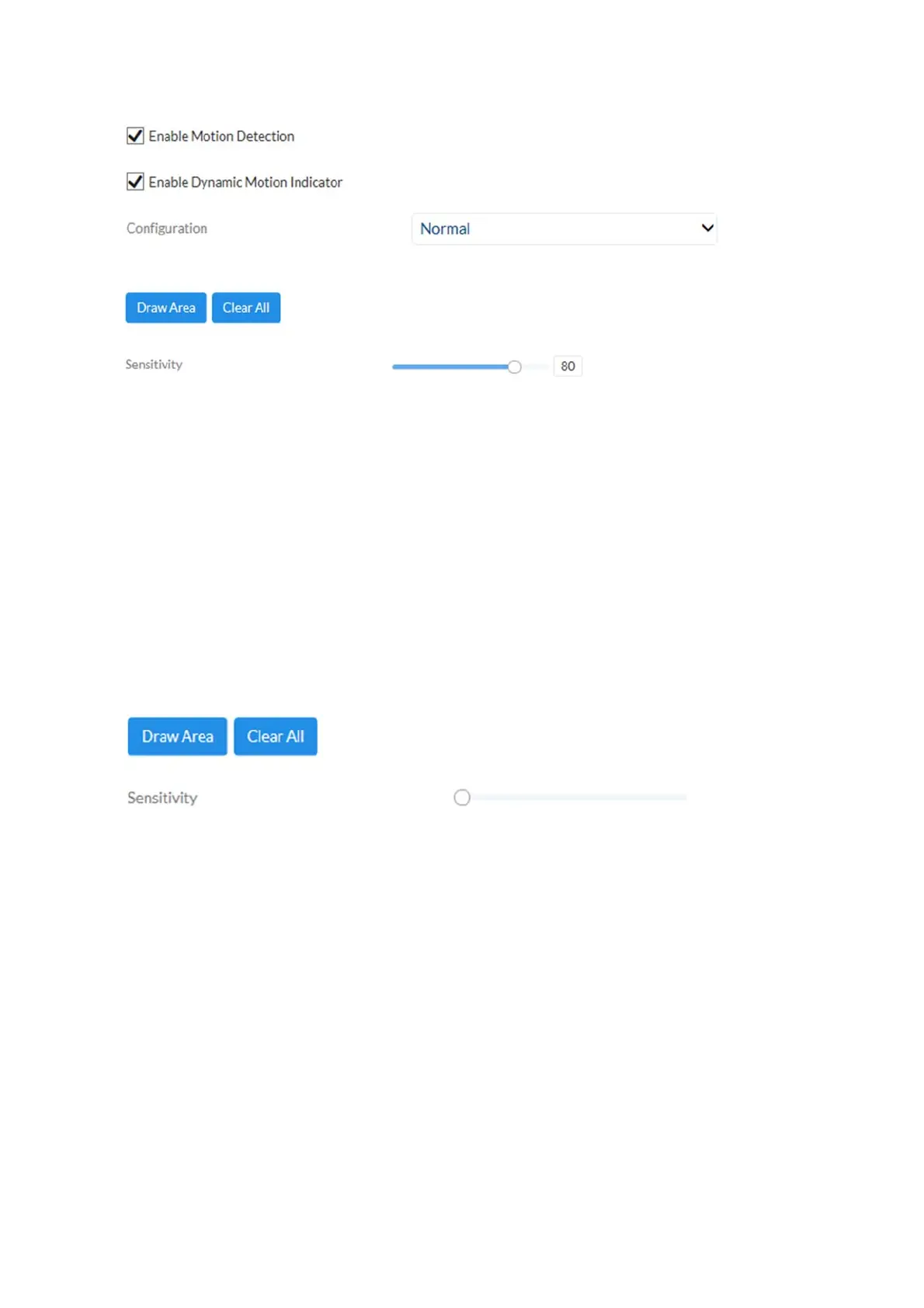
Drawing: This allows you to draw the area which should be monitored
by cover detection. Operation: Press button -> draw
rectangle in the preview using left mouse button -> press
button again to finish drawing.
Delete: Deletes the area.
Sensitivity: Change the sensitivity of the detection here (3 levels).
7.11.3 Alarm input
Alarm input: Select the alarm input to be configured here (number depending on the
camera model).
Alarm name: Enter the name here.
Alarm type: The alarm type specifies the idle and tripping status.
NO: Normally Open
NC: Normally Closed



 To Next Page