94
7.4.5 Update & reset
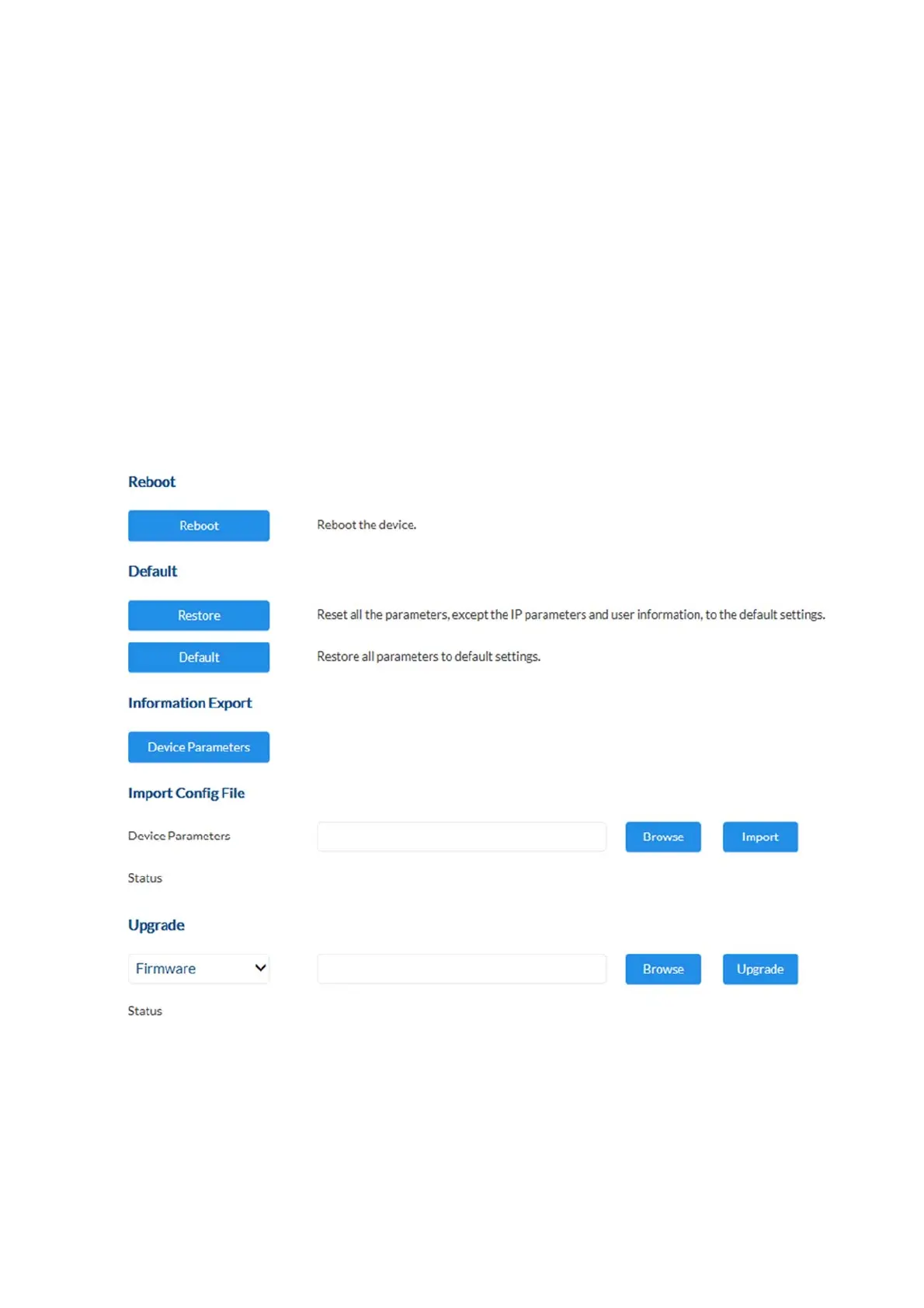
Restart: press the “Reboot” button to complete the restart manually.
Restore: resets the camera to factory settings (except network settings
and user settings).
Standard: resets all settings
Device parameters: exports the entire camera configuration into a file. A password
must be assigned to protect the file.
Import configuration: imports a previously exported configuration of the same
camera type with a password.
Firmware update: This function can be used to update the camera's firmware.
First, download the current firmware from the ABUS website.
The “Search” button can be used to select this file for
updating. Press the "Upload" button to start the update.



 To Next Page