75
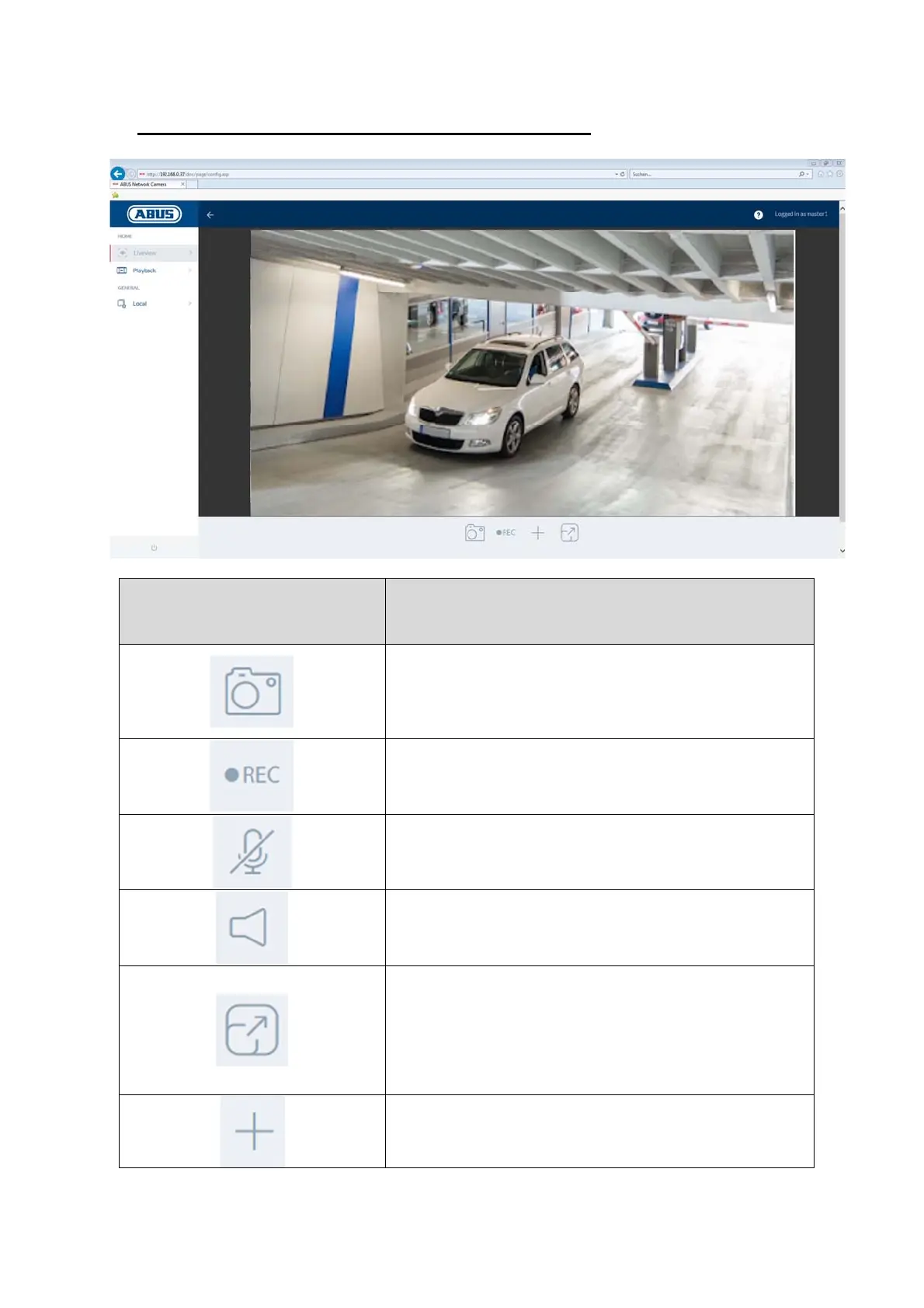
6. View and configuration menu user "master"
Button/display on screen Function
Instant image function
This function saves an instant image from the current video
stream in JPEG format (see Local Configuration for save
location
.
Video function
This function saves a video from the current video stream in
VI format
see Local Confi
uration for save location
.
Muting the microphone (if available)
This button can be used to deactivate the microphone in the
camera or the microphone in the optional audio input.
Muting the speaker (if available)
This button can be used to deactivate the speaker in the
optional audio output.
Full screen mode
Switching the video picture on the monitor to full screen
mode (you can also do this by double clicking within the
video frame). You can exit full screen mode by double
clicking within the video frame again or pressing the ESC
button.
Digital zoom: press this button and draw a rectangle in the
video area by holding down the left mouse button. To
deactivate the digital zoom, press the left mouse button
again.



 To Next Page