83
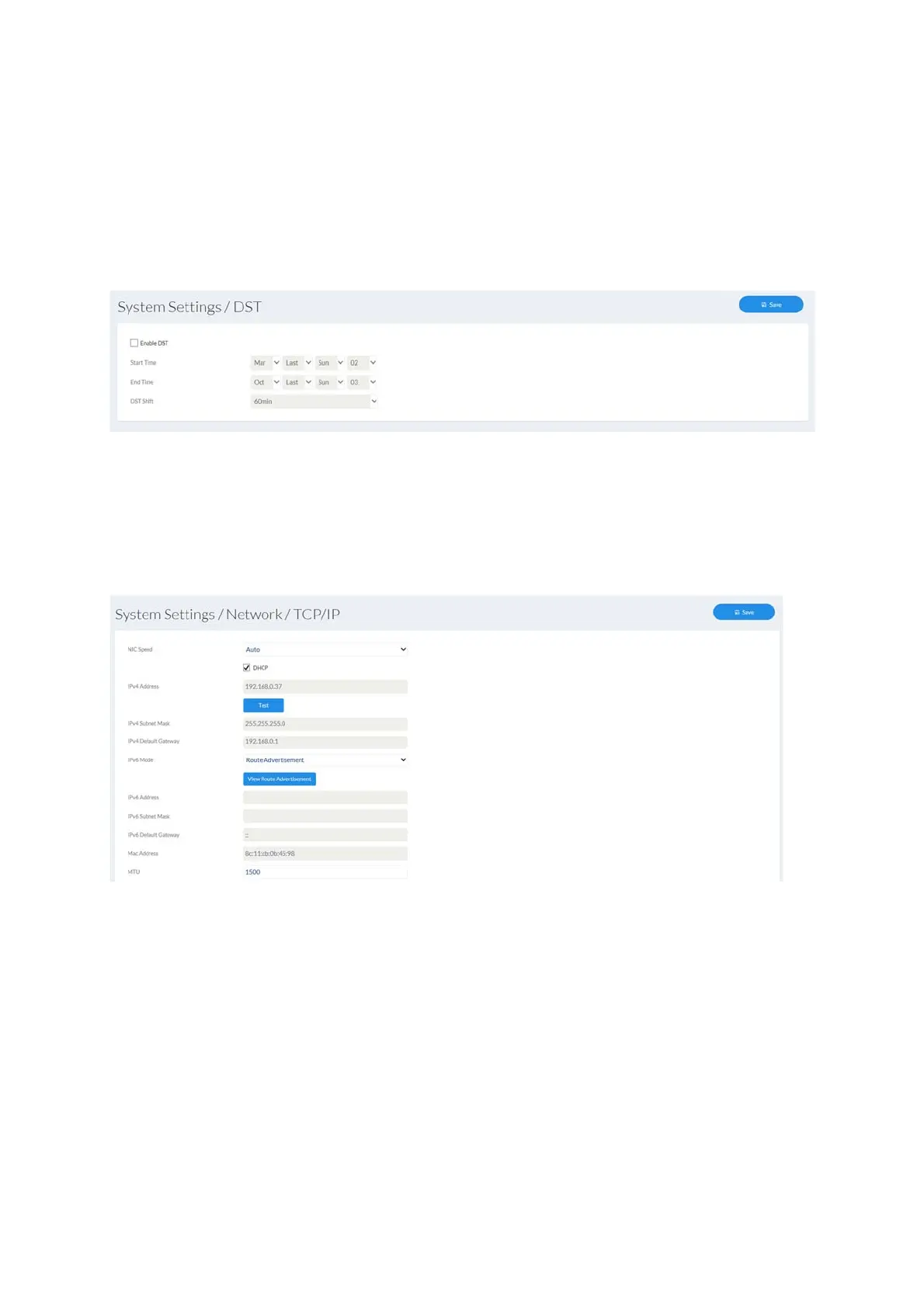
7.4.2 Daylight saving time (DST)
Enable DST: tick the box if there is generally a summer time/winter time
changeover at the camera location.
Start/End time: the exact switching times can be entered here.
Daylight saving time difference: set the time difference
7.4.3 Network
7.4.3.1 TCP/IP
LAN/Wi-Fi: choose whether the Ethernet or Wi-fi interface (if available) should
be configured.
NIC speed: selection of the speed for the LAN adapter.
DHCP: the IP address, subnet mask, gateway (default router) and address
for the DNS server are obtained automatically from a DHCP
server. An activated DHCP server must be present in the network
in this case. The fields on this page are deactivated in this mode
and serve as informational fields for the data obtained. If DHCP is
not enabled, then a static IP address is used (see below).
Static IP address: manual setting of the network parameter for IPv4.
(DHCP checkbox not ticked)
IPv4 address: manual setting of the camera's IP address



 To Next Page