79
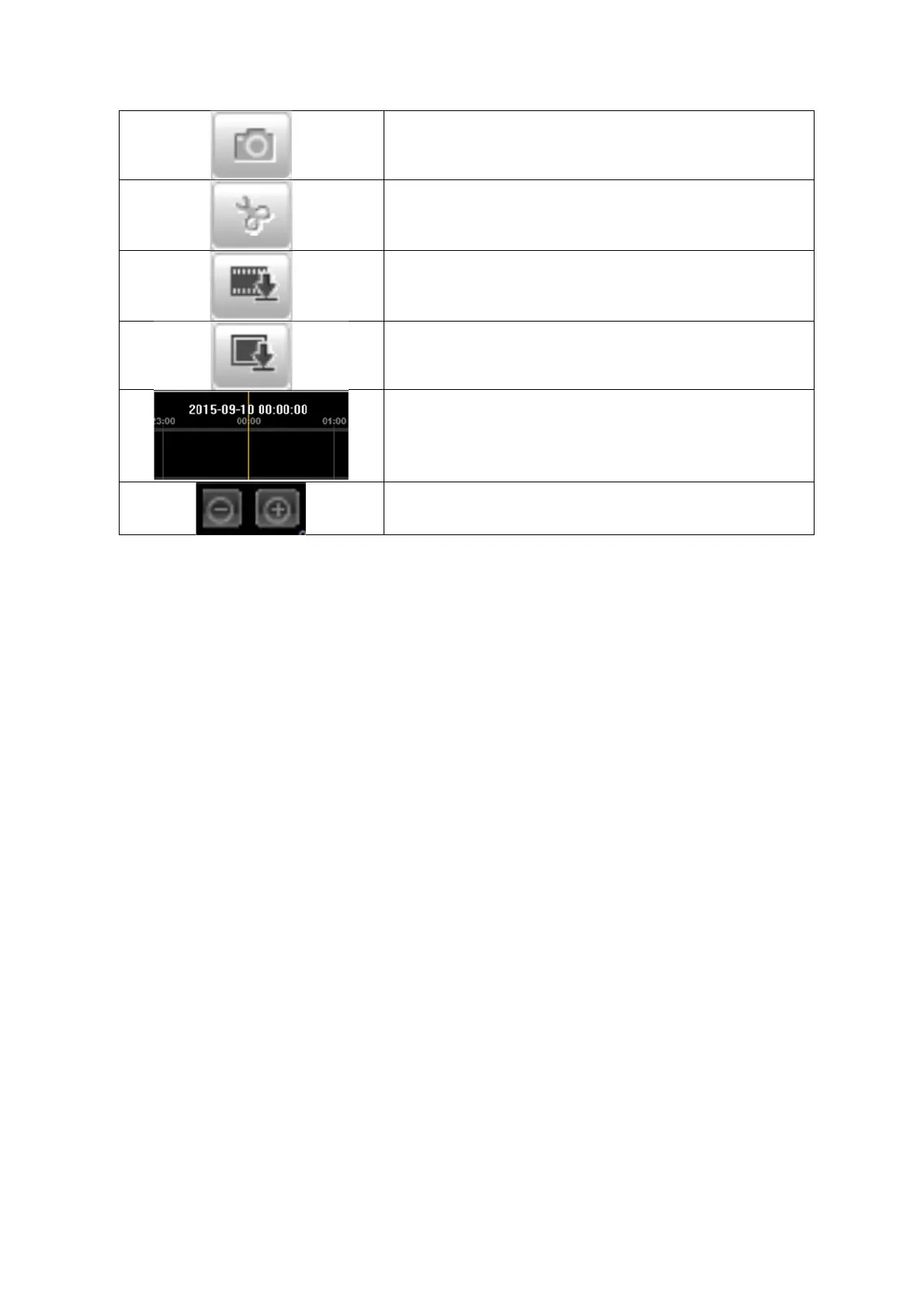
Save single frame (save location, see local
configuration)
Start/stop the video cutting function. The cut video is
saved after you press stop (save location, see local
configuration).
Opens a dialogue for downloading recorded video files
from the SD card.
Opens a dialogue for downloading recorded image
files from the SD card.
Playback bar with time and date display (display
depends on temporal zoom factor). The recorded data
are displayed colour-coded by record type in the
playback bar.
Setting the temporal zoom factor



 To Next Page