86
7.4.3.4 NAT
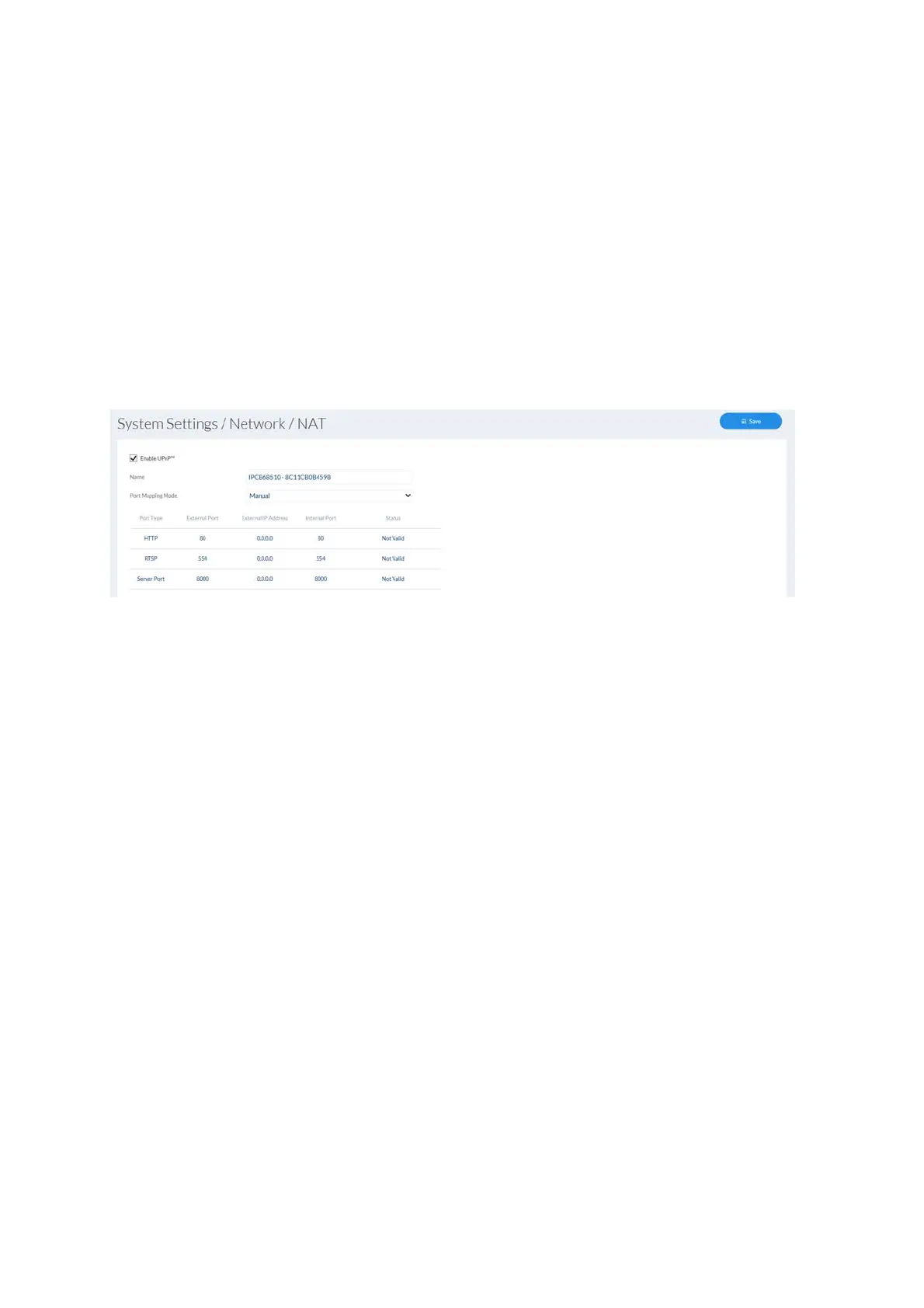
Enable UPnP: enables or disables the UPnP function. When the UPnP
function is enabled, the network camera can be found on
Windows networks.
UPnP name: assigning a UPnP name, which the camera uses to appear on
the network via UPnP.
Enable port mapping: The NAT (Network Address Translation) or port mapping
function automatically sets up port forwarding for access from
the Internet to the camera in the router (if the router supports
this).
Mapping type: Auto: automatic assignment of all ports
Manual: manual assignment of all ports



 To Next Page