92
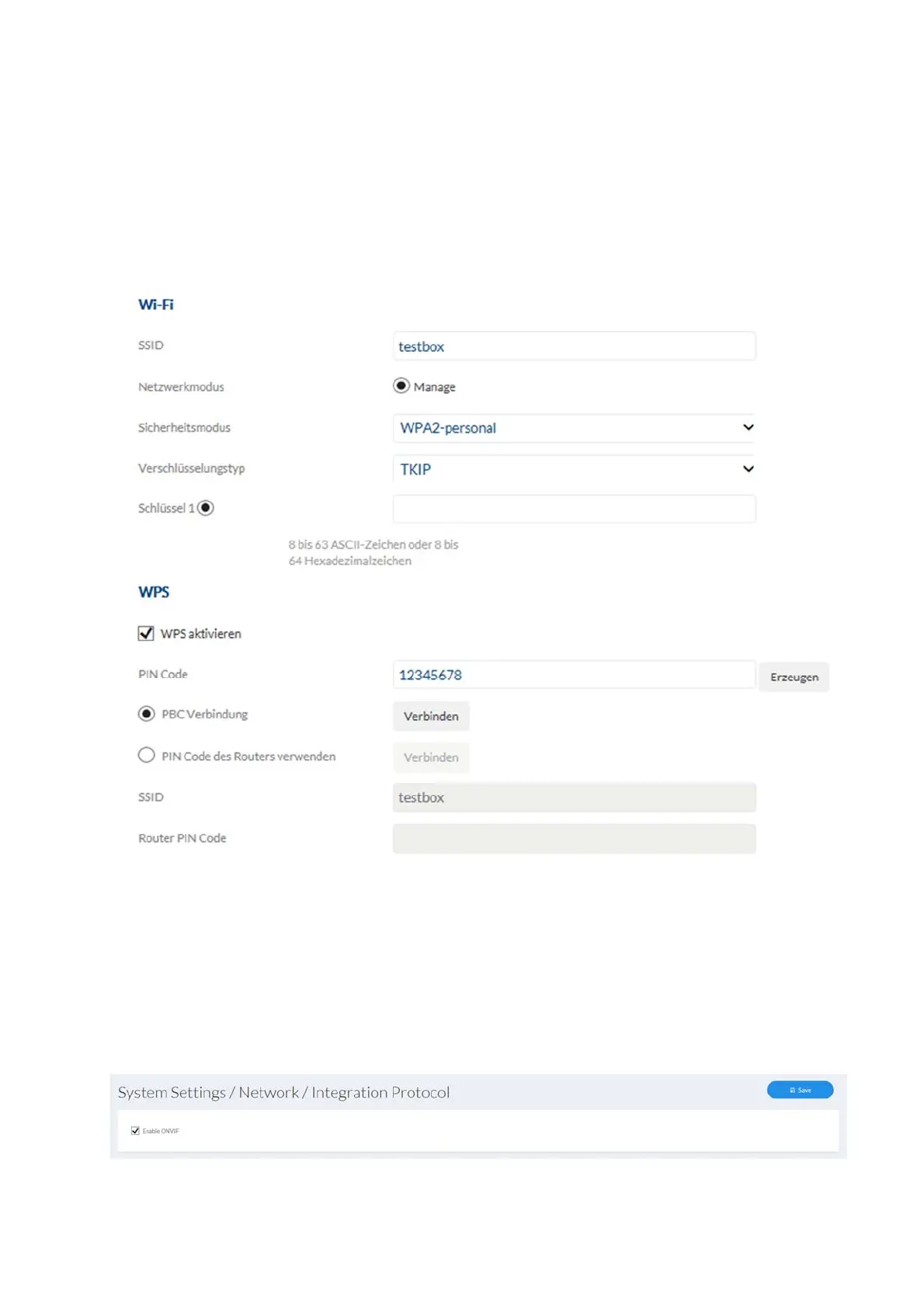
Enable WPS: (Wi-Fi protected setup) enables the WPS function. There are 2
different methods for using the WPS function (PIN code,
PBC).
PIN code: generates a new PIN code for using the PIN code method.
PBC connection: (Push Button Configuration) the WPS connection is produced
after a button is pressed on the camera.
PIN code connection: a PIN code is generated in the router and entered in the
camera.
7.4.3.11 Integration protocol
Enable ONVIF: here you can disable the camera’s ONVIF interface as
required. This interface is enabled by default. The access
data for this interface are the same as the data for the user
“installer”.



 To Next Page