3. Option 2: Select your camera model.
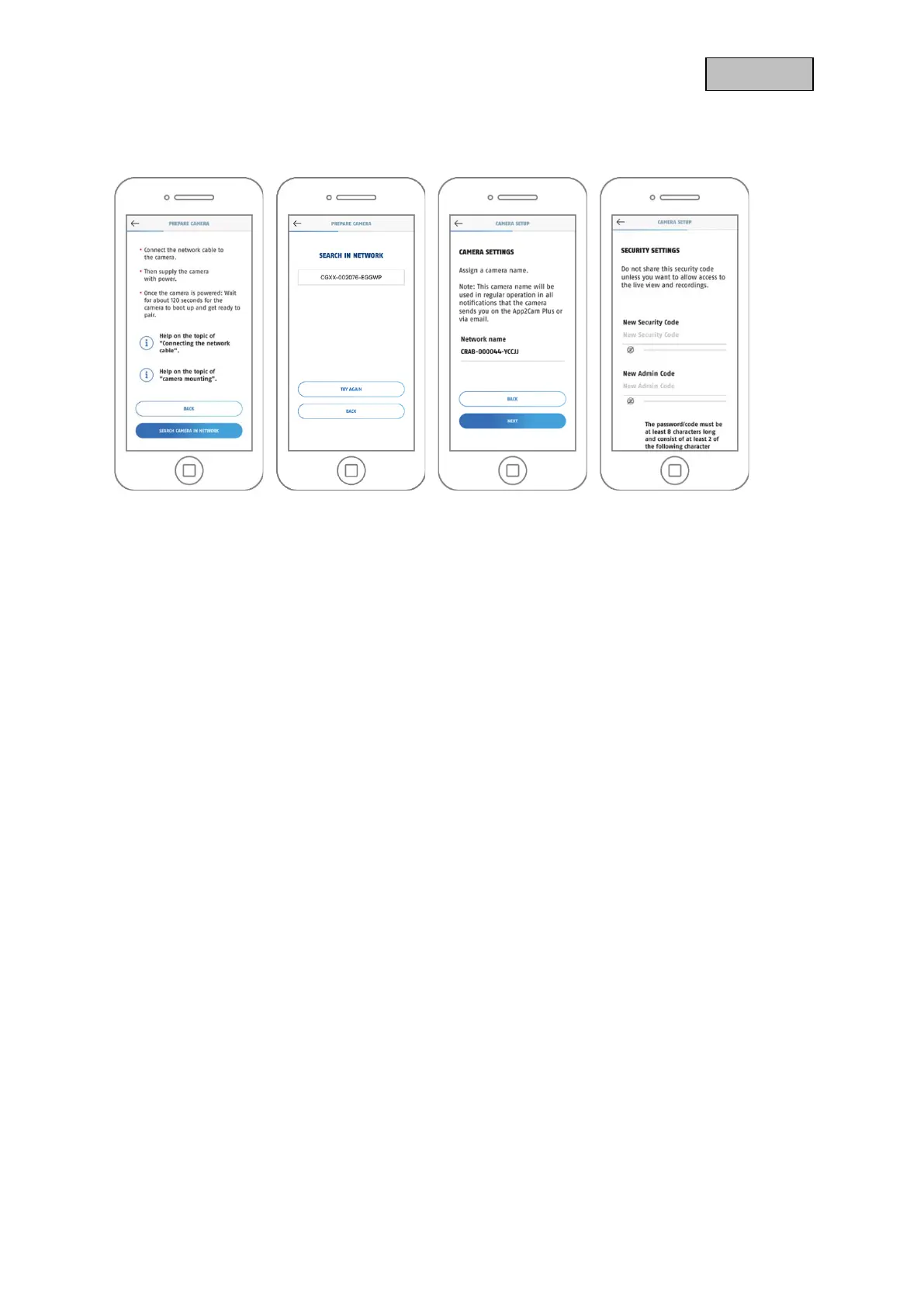
4. Select "Setup with a network cable".
5 6 7 8
5. Now connect the network cable and supply the camera with power. Click on "Search camera in
network".
6. Next, click on the camera identification number (DID) of your camera.
7. Assign a camera name.
8. Now assign a security code or admin password. These must not be identical. Then tap on "Next".
9. You have successfully completed the commissioning. All settings and functions can be accessed
via the menu bar at the bottom of the screen.



 To Next Page