5.8. Playback
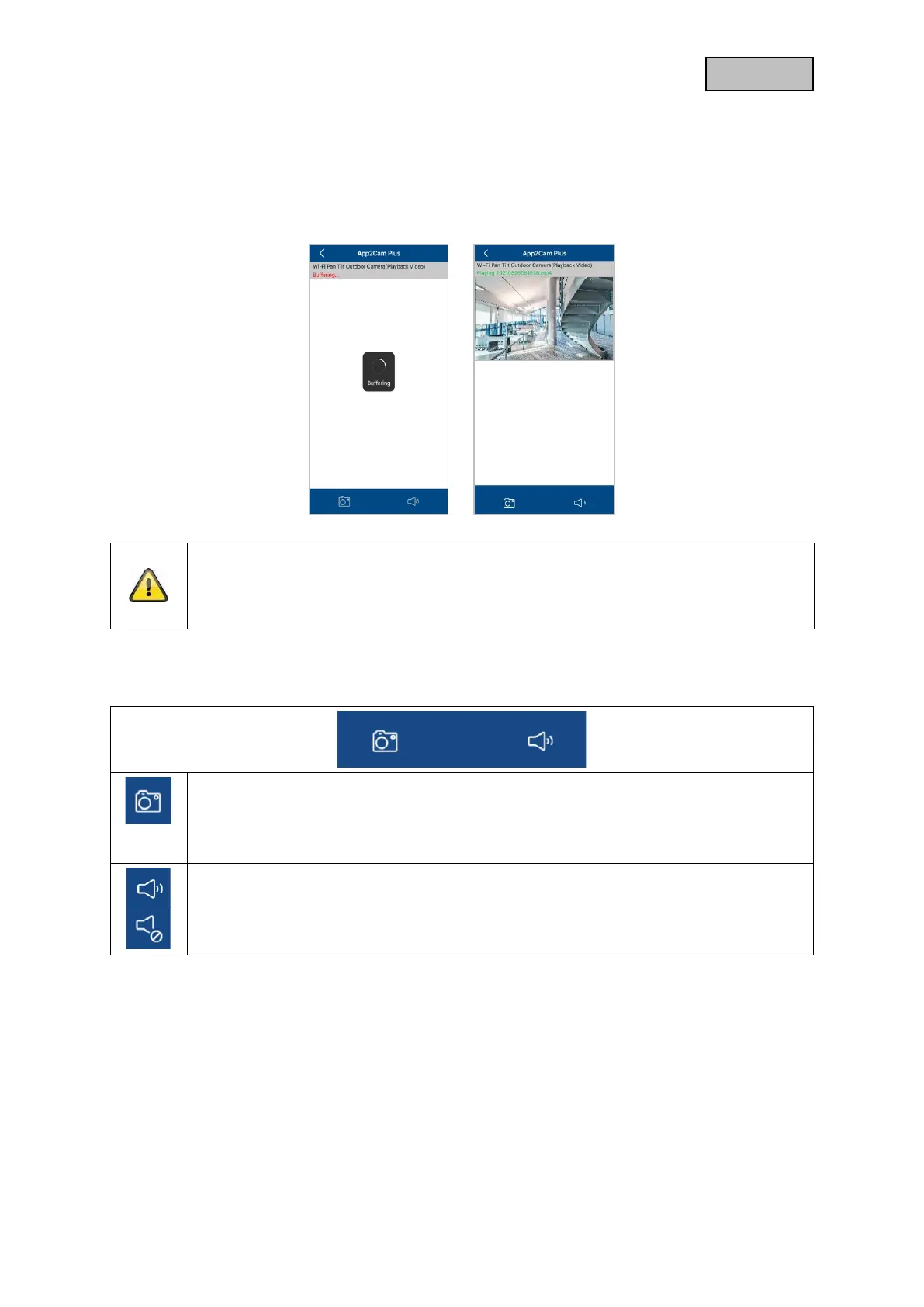
In the playback of the events, different functions are available depending on the camera model. In
Landscape mode (= landscape format), a full view without functions is shown.
The events usually need a short buffer time until the event can be played.
Note
When playing back events, the event is automatically downloaded to your mobile device.
We therefore recommend that you mainly operate the playback via WI-FI in order to keep
the consumption of the data volume low.
5.8.1. Playback functions
Create snapshot
You have the option to take a screenshot of your playback. The picture is then saved in
your photo gallery on your mobile device.
The saved images are time-stamped and stored in the photo gallery.
Enable/disable audio
Here you have the option to activate or deactivate audio for playback.



 To Next Page