5.9.9. Motion detection settings
Motion detection settings
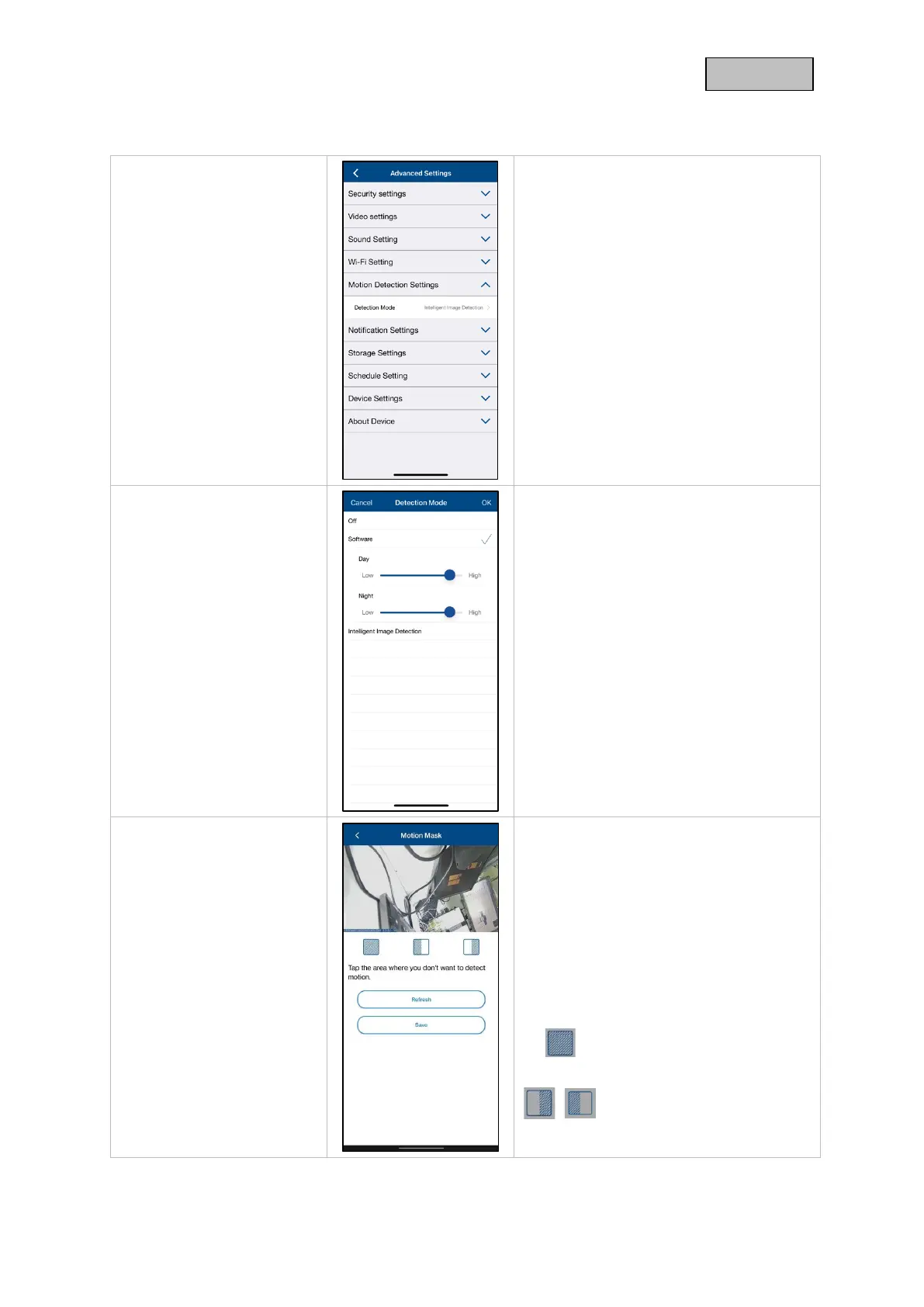
Make settings for motion detection here.
Click on Detection Mode for further
settings. If "Off" is selected, there is no
motion detection.
The changes in the settings are only
applied after exiting the menu.
Make the settings for motion detection
here.
There is no differentiation between
objects, every moving object triggers a
recording.
With the sliders you can change the
sensitivity of the motion detection for day
and night.
Click OK to apply the settings.
A preview of the live image and the
motion mask set up is displayed here.
The selection of hidden areas takes
place directly in the preview area.
If a field has been selected in the grid,
motion detection no longer takes place in
this area.
Delete selection
Default selected areas



 To Next Page