23
18.5.1.2. Changing the user type
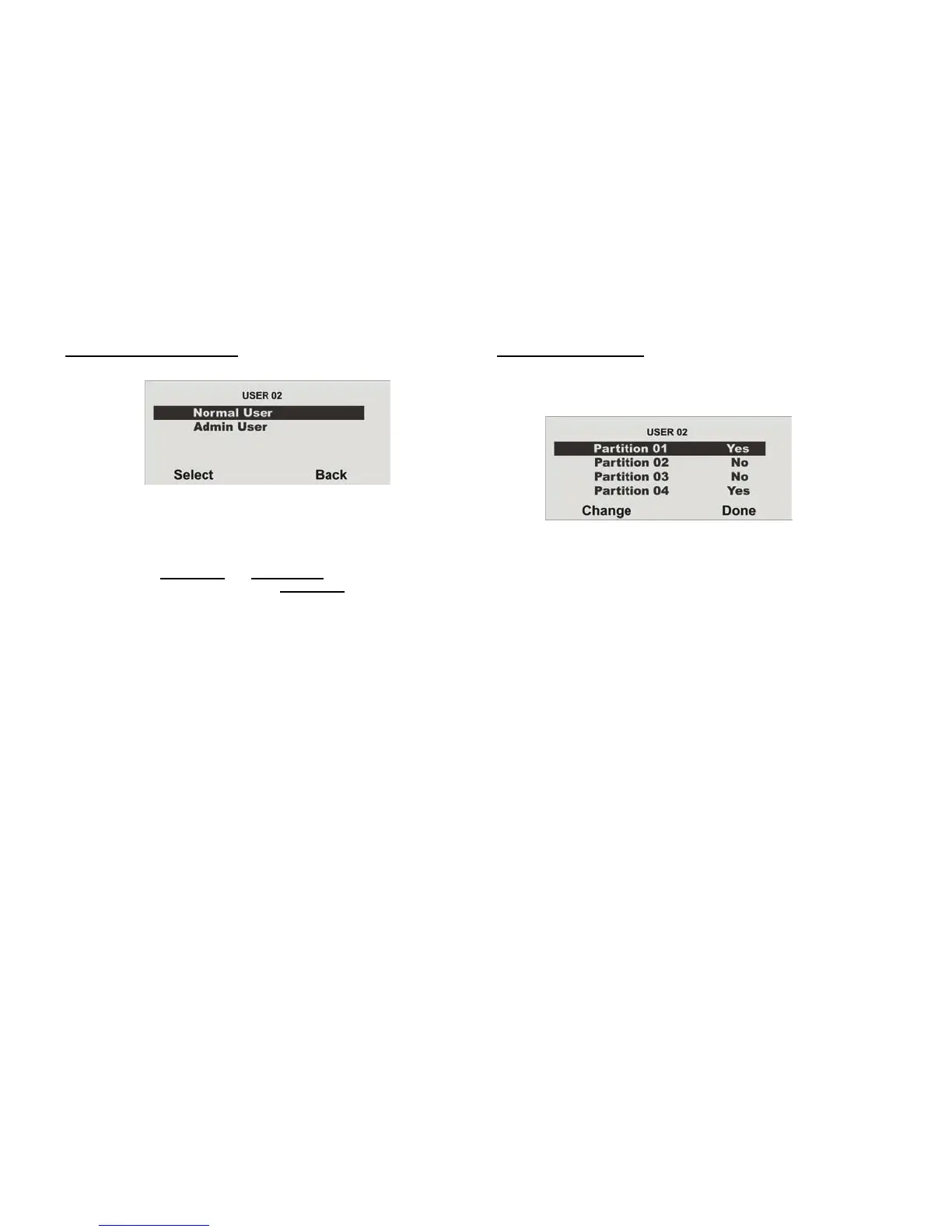
Select the user type:
• Normal User
• Administrator
In contrast to the normal user
, the administrator can make many
different settings in the user menu. The normal user
can only change
their user code, but cannot create users or make changes to the system
settings.
18.5.1.3. Defining partitions
User authorisations are defined in this menu. In this way, different users can
control different partitions. The settings also refer to the chip key trained for
this user.
The system shows all four partitions. Select the partition whose setting
should be changed.
The settings are as follows:
• Yes = This user can activate and deactivate this partition
• No = This user cannot activate or deactivate this partition



 To Next Page