26
15.5.2. Adding users
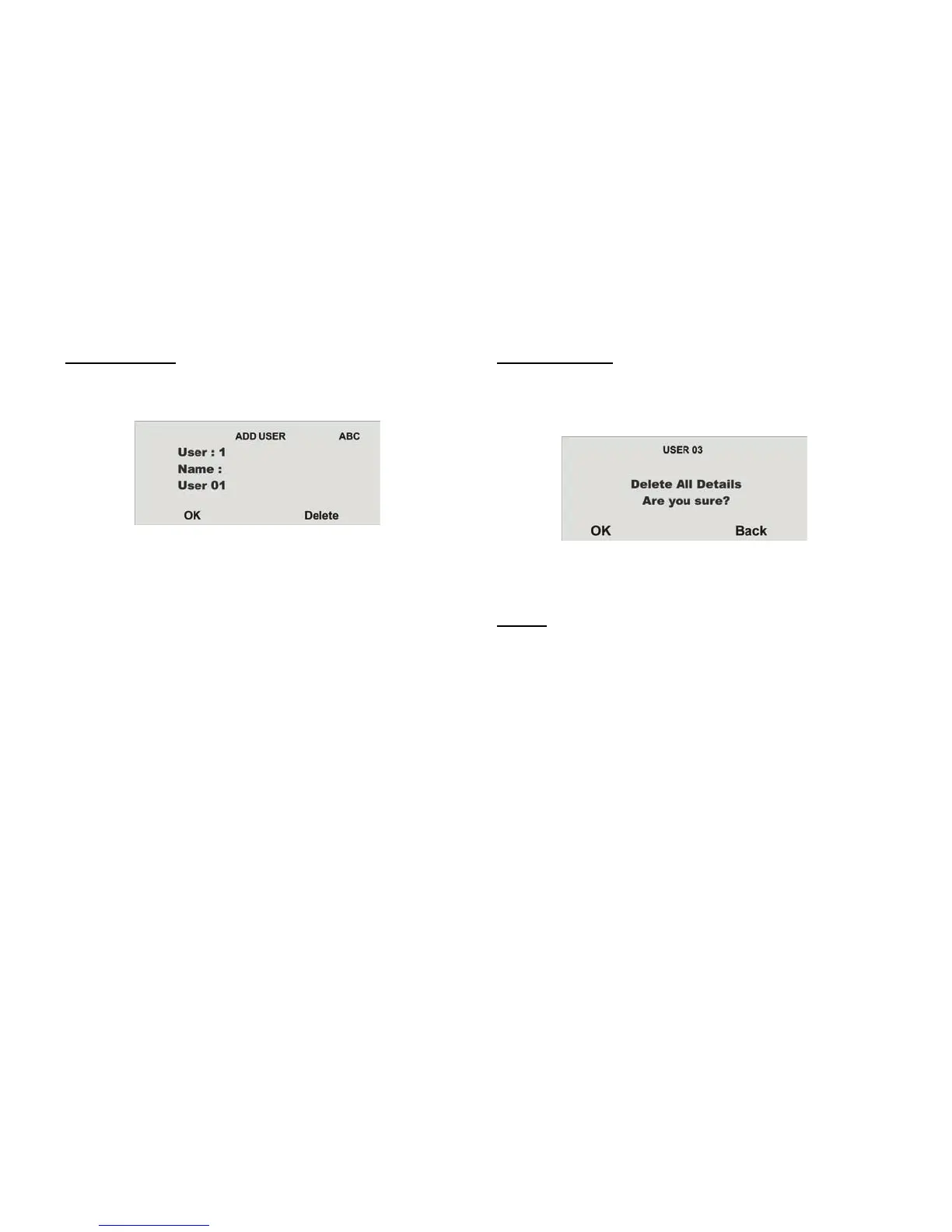
To add a new user to the wireless alarm system, select the Add User menu
item.
You are now guided through the remaining menu items as described in the
“Editing users” section.
15.5.3. Deleting users
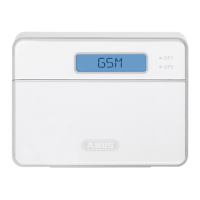
To delete a user and all user settings (such as remote controls and chip keys),
select the Delete User menu item. Select the corresponding user by pressing
Delete.
Confirm your entries by pressing OK. The user is then deleted. Please note
that at least one administrator must be present in the system.
For this reason, the user 01 with administrator properties cannot be deleted.
IMPORTANT: To change or delete a single component of a user, select
Edit User
and then select the item you wish to change or delete.



 To Next Page