108
English
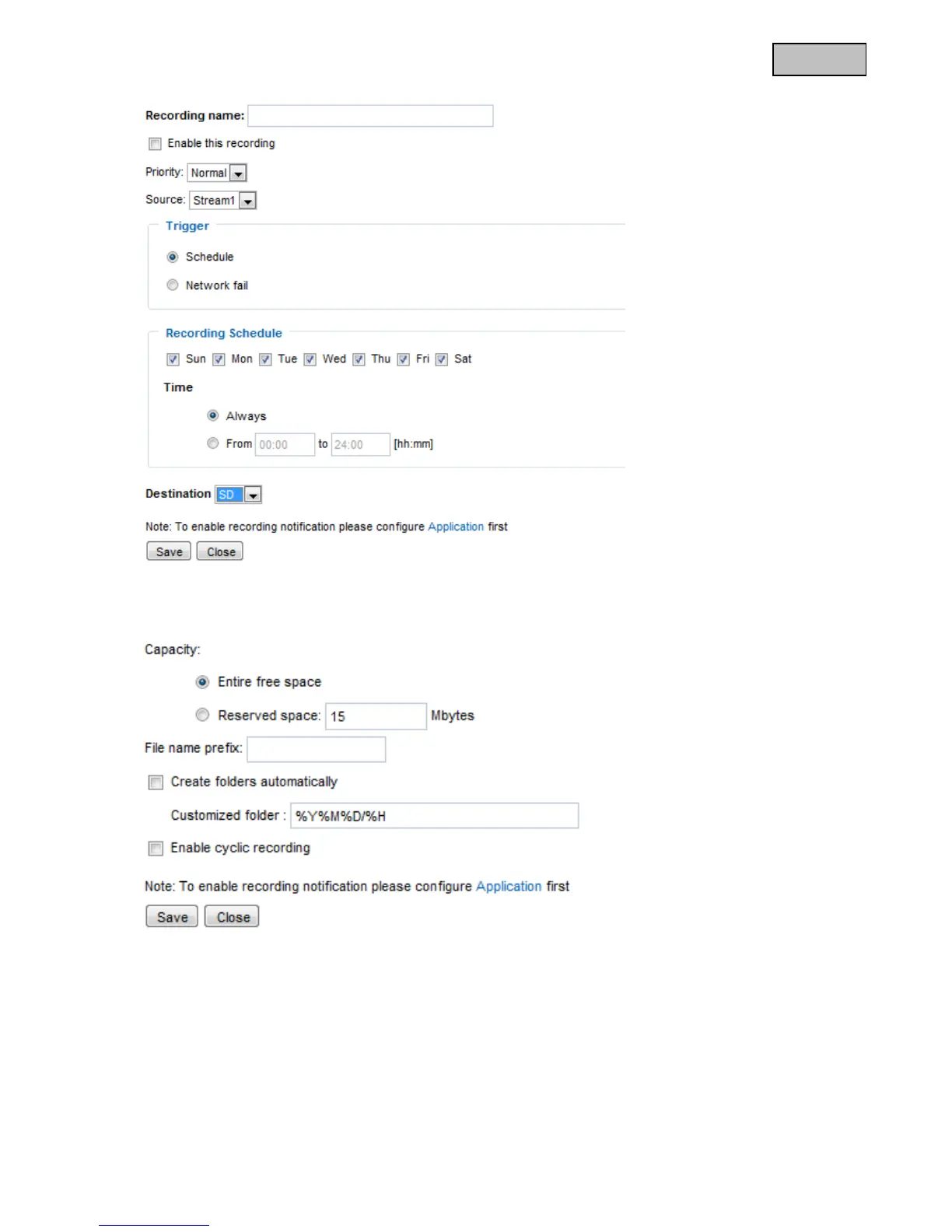
Destination: “Network drive”
“Recording name” A unique name for a recording entry.
“Enable this recording” Select this option to activate the recording entry.
“Priority” Recordings with a higher priority are executed first.
“Source” The recording can be made from video streams 1-4.
“Schedule” The recording schedule is used.
“Network fail” If a network error occurs, the data is automatically saved onto SD card.
“Sun” – “Sat” allows you to select the day of the week for a recording.
“Always“ Activates the recording at all times.
“From“ – “to” The recording times are restricted.
“Destination” SD card or network folder.
“Entire free space” The maximum amount of space on the destination storage medium is used.
“Reserved space” Defines how many MB of free memory space should be reserved.



 To Next Page