109
English
“Enable cyclic recording” Activates the cyclic recording function. If the set value is reached during the data
recording, the oldest data is overwritten.
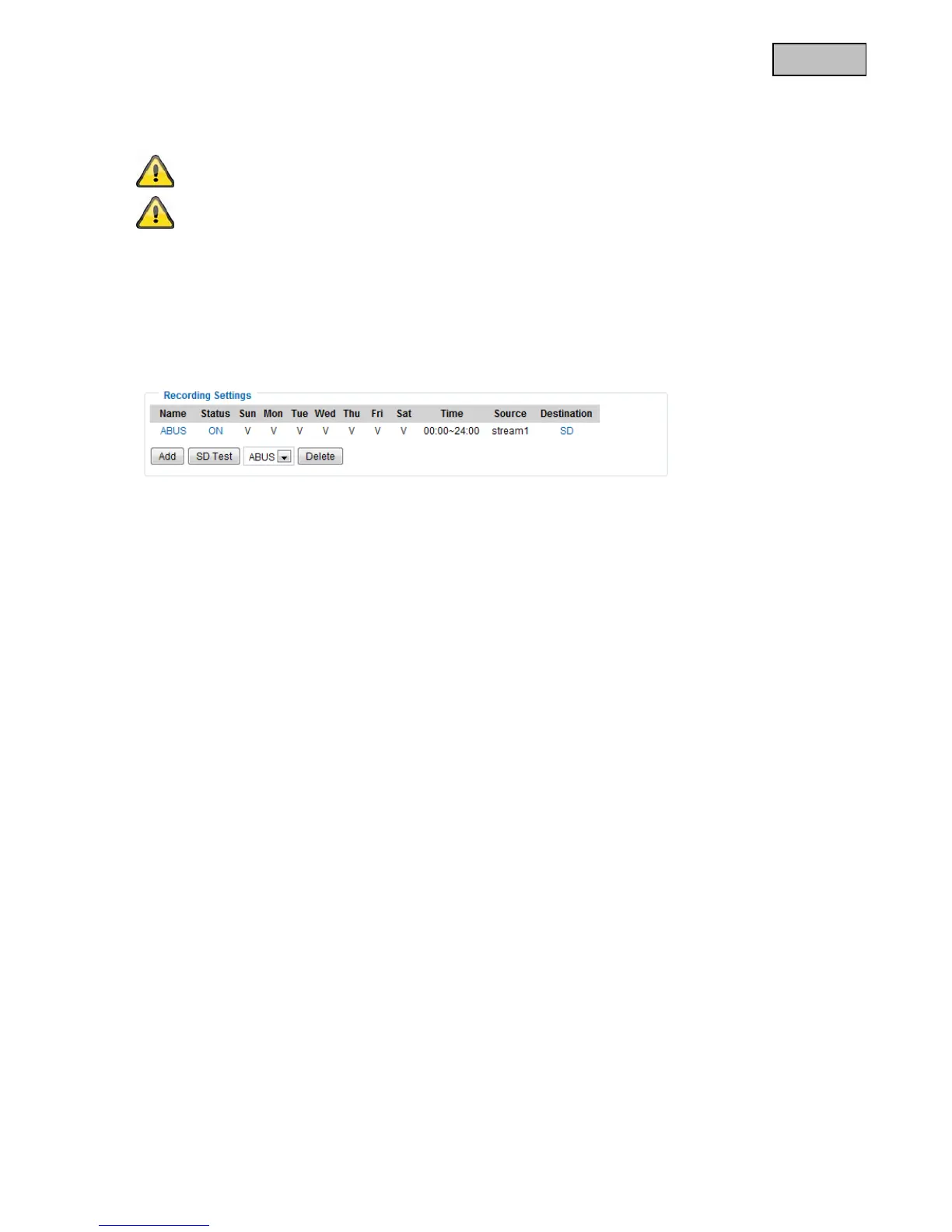
Recording overview
“Name (video)” Opens the recording configuration page.
“Status (ON)” Sets the recording status to ON or OFF.
“Destination (SD)” Opens a file list with the saved recordings.
For more detailed information about “Create folders automatically”, refer to
section “13.4 Action”.
If the “Customized folder” option is enabled, the cyclic recording function cannot be used.



 To Next Page