68
English
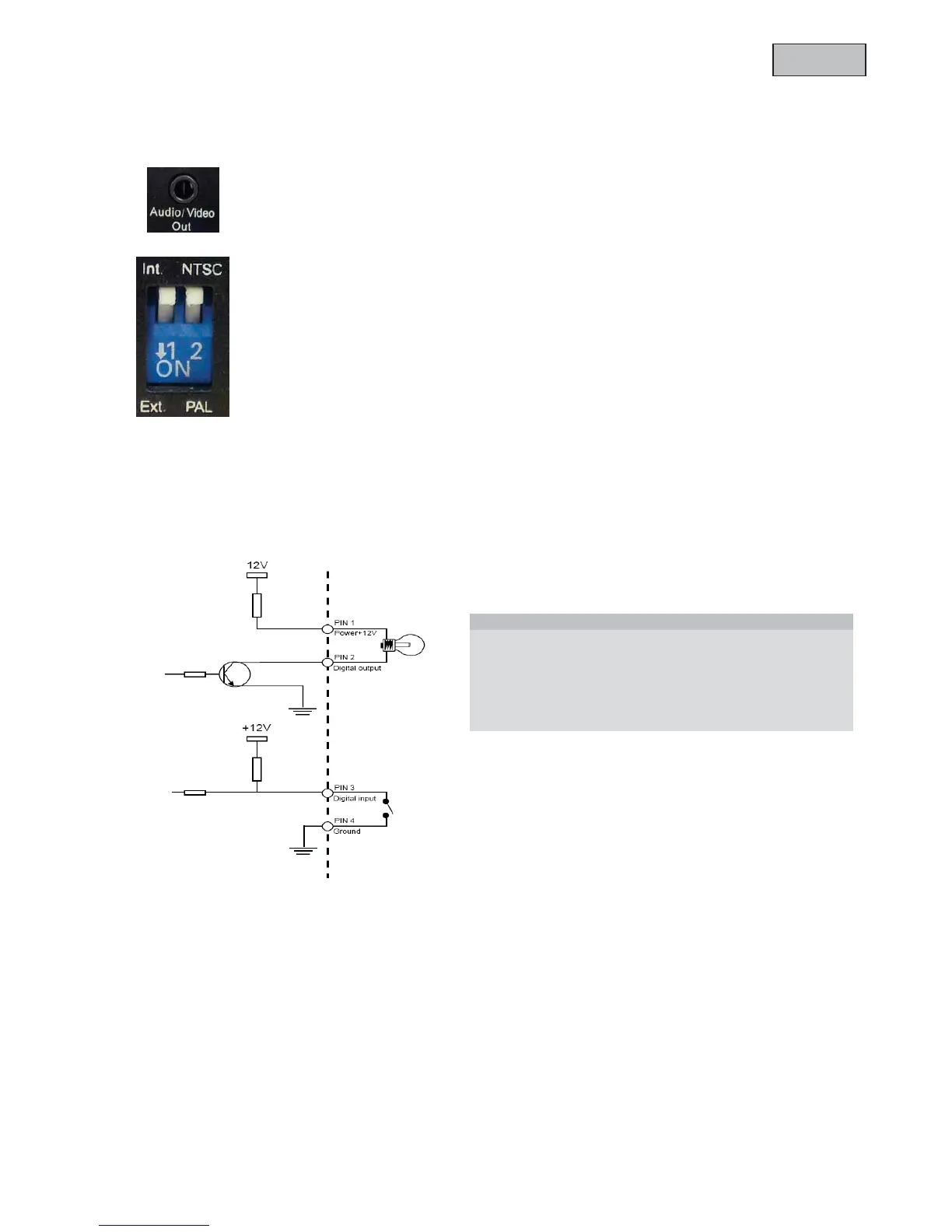
3.3Video output and DIP switches
Analogue video output (NTSC/PAL):
Connect the RCA connector from the video/audio cable with an analogue video input from a
monitor. (e.g.: TVAC10100)
To set the correct video norm (PAL/NTSC) please use the DIP switch on the back panel of
the camera.
External / Internal microphone (Ext. /Int.)
Use this DIP switch to change between integrated microphone and external audio input.
3.4Gate input / output and status display
Status LED description:
In order to reboot the camera or restore the factory settings press the reset button. Use an appropriate small
tool.
Camera reboot: Press the reset button once and wait until the camera to restart.
Restore factory settings: Press and hold the reset button for approx. 30 seconds until the status LEDs start
flashing. All settings will be reset to factory default.
Status / LED colour Green Red
System start Off On
Camera turned off Off Off
Network works (heartbeat) 1/s On
Network problem Off On
Firmware update 1/s 0.1/s
Restoring factory settings 0.1/s 0.1/s



 To Next Page