100
English
Event schedule
“Sun”–“Sat” allows you to select the day of the week for executing an event.
“Always” Activates the event at all times (24 hours).
“From”–ಯto” The event times are restricted.
13.2 Server configuration
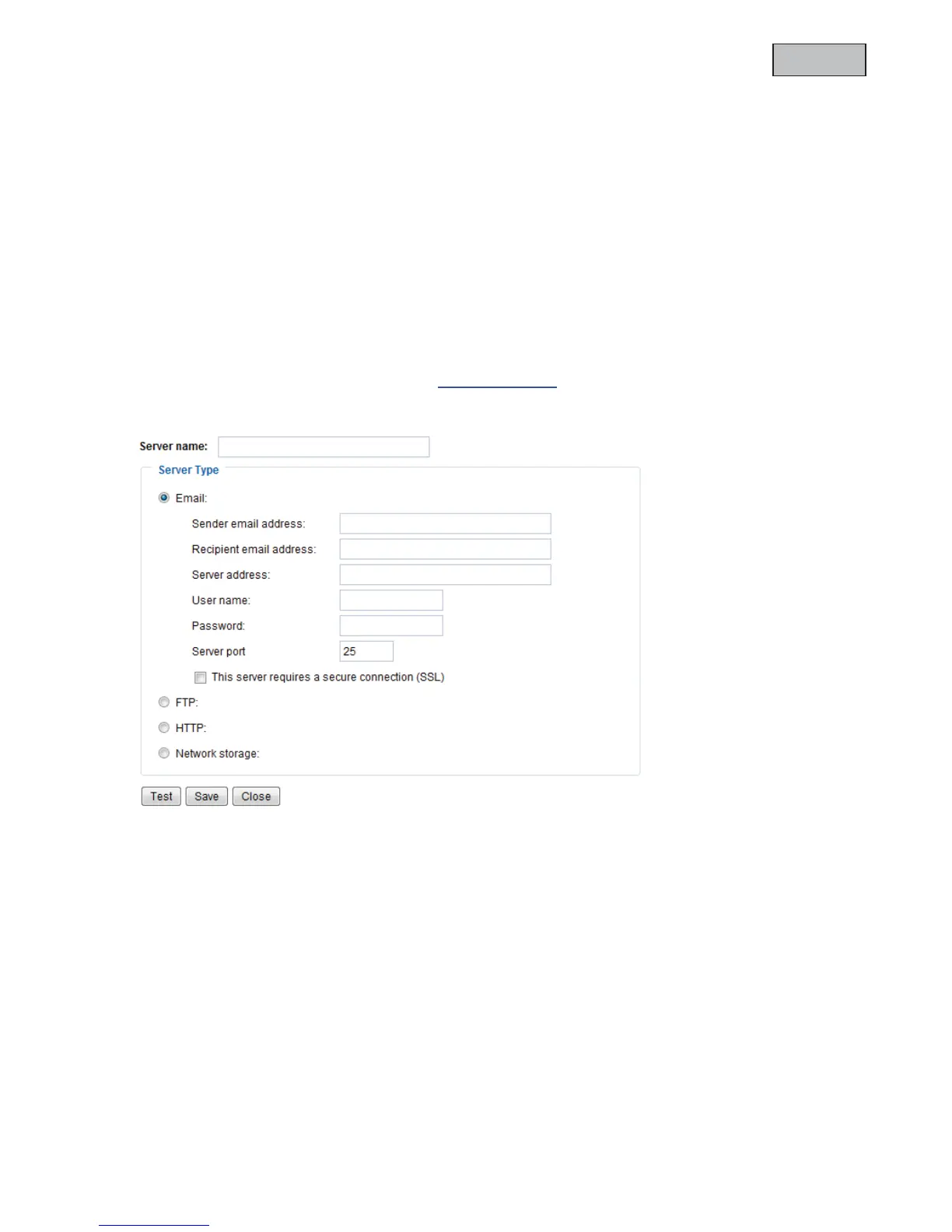
You can save up to 5 servers in the network camera. Click “Add” to configure a new server. The server of
type “SD” is pre-configured and defines the SD card unit as the destination for saving data. You can
configure the following server types:
x Email: enter the access data here
x FTP: enter the access data here. Address convention: ftp.abus-sc.com
x HTTP: enter the access data here. Address convention: http://abus-sc.com/cgi-bin/upload.cgi
x Network storage: Address convention:
\\192.160.0.5\NAS
Once you have entered the access data, save your settings. Before closing the window, it is advisable to
execute a “Test”. The result is displayed in a new window of the browser.



 To Next Page