72
English
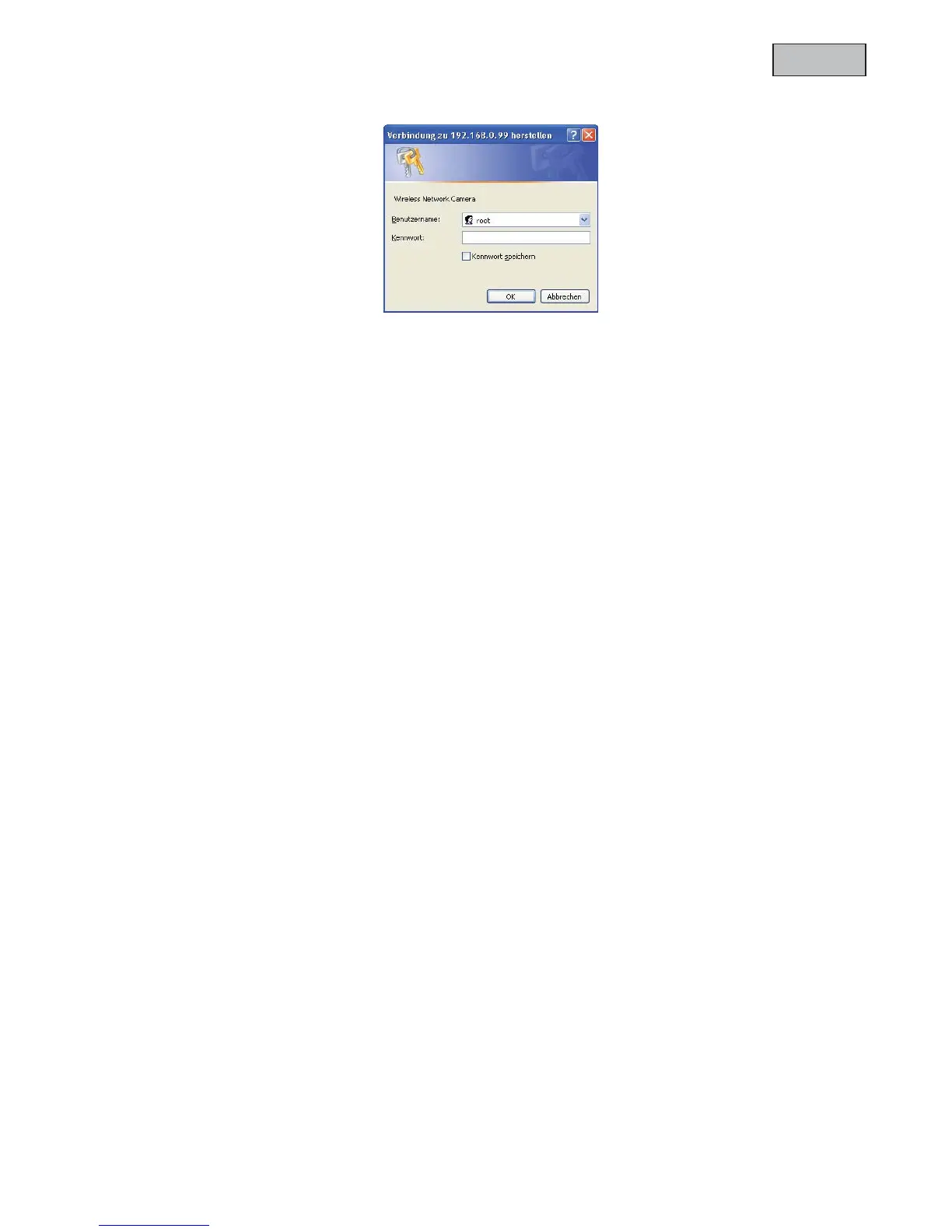
In order to access the camera enter username “root” and the before defined password.
-> After successful authentication you will connect to the camera and a video stream will be displayed.
4.6Connecting to the camera by using a RTSP player
You can display the MPEG-4 video streams by connecting to the camera with a RTSP capable media player.
Following free media players support RTSP:
x VLC Media Player
x Real Player
x QuickTime Media Player
The RTSP address has to be entered as following:
rtsp://<IP-address of the network camera>:<rtsp Port>/<Name of the video stream >
How to change the name of the video stream will be explained further on.
Example:
rtsp://192.168.0.99:554/live.sdp
4.7Connecting to the network camera by using a mobile phone
Make sure that your mobile phone is able to establish a internet connection. Furthermore the mobile phone
has to have an RTSP capable media player like:
x Real Player
x Core Player
More information you can find in chapter “RTSP-Transmission”.



 To Next Page