74
English
5. User functions
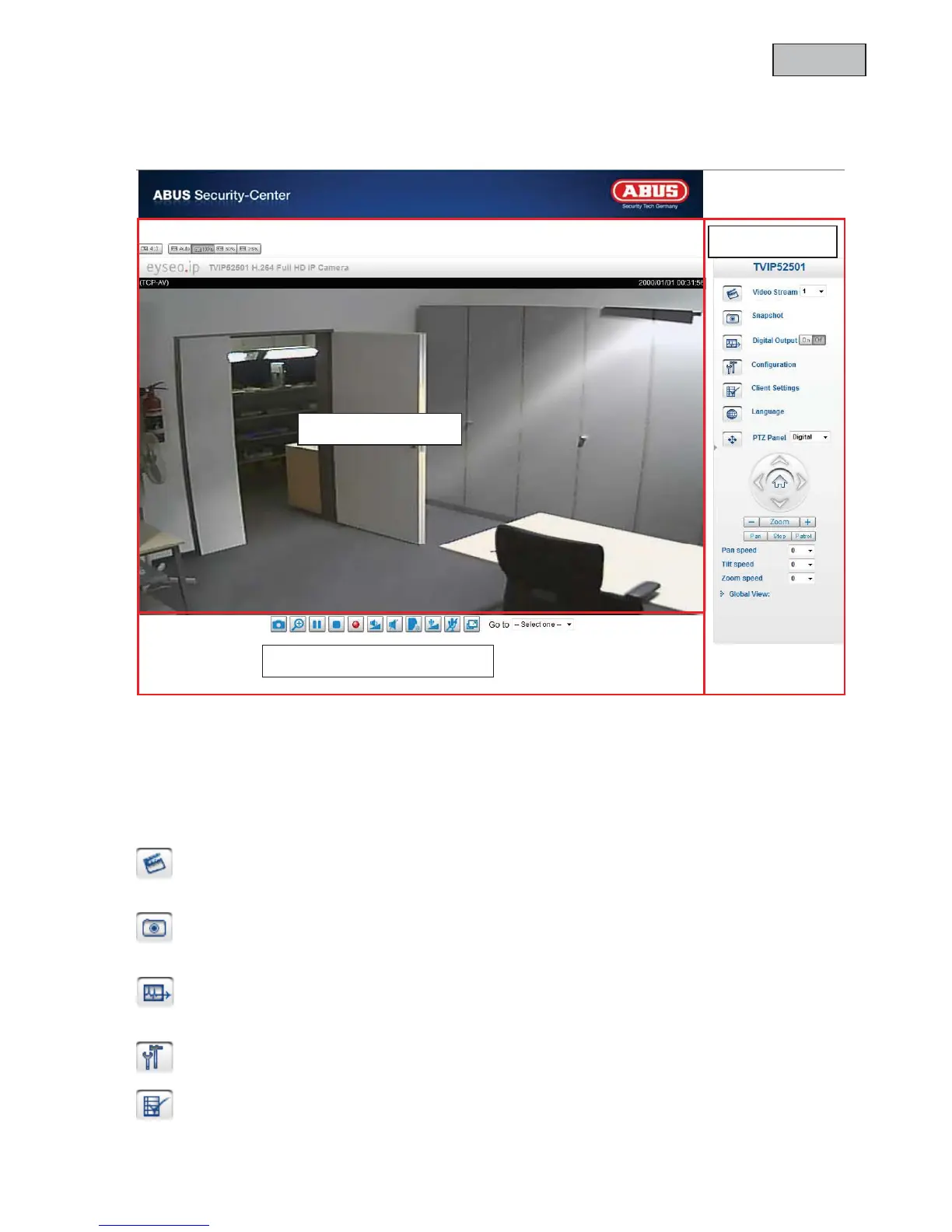
Open the main menu on the network camera. The interface is divided into the following main areas:
Live image
x Change the zoom level by pressing the mouse scroll button.
x Click in the live picture to take over control of an analogue pan/tilt camera directly.
Network camera control
Video Stream
Select from video streams 1 – 4 to view the live image.
Snapshot
Create a snapshot (without ActiveX plug-in).
Digital Output
Switch the digital output on and off manually.
Configuration
Configure the network camera (administrator settings).
Client Settings
Configure the client settings; you can find detailed information on the following pages.
Control
Audio / video control
Live image



 To Next Page