81
English
“Use fixed IP address” The network data is fixed here, e.g. the IP address.
“IP address” This is required for network identification.
“Subnet mask” This defines whether the destination is in the same subnet. The default value
is “255.255.255.0”.
“Standard-Router” Gateway for transmitting pictures to another subnet. An invalid router setting prevents
transmission to these destinations in different subnets. If a cross-link cable connection is available, you must
enter an IP which is in the same subnet range as the network camera (e.g. 192.168.0.1).
“Primary DNS” Server of the primary domain name with which the hostnames
are converted into IP addresses.
“Secondary DNS” Server of the secondary domain name for generating a reserve copy of the primary DNS.
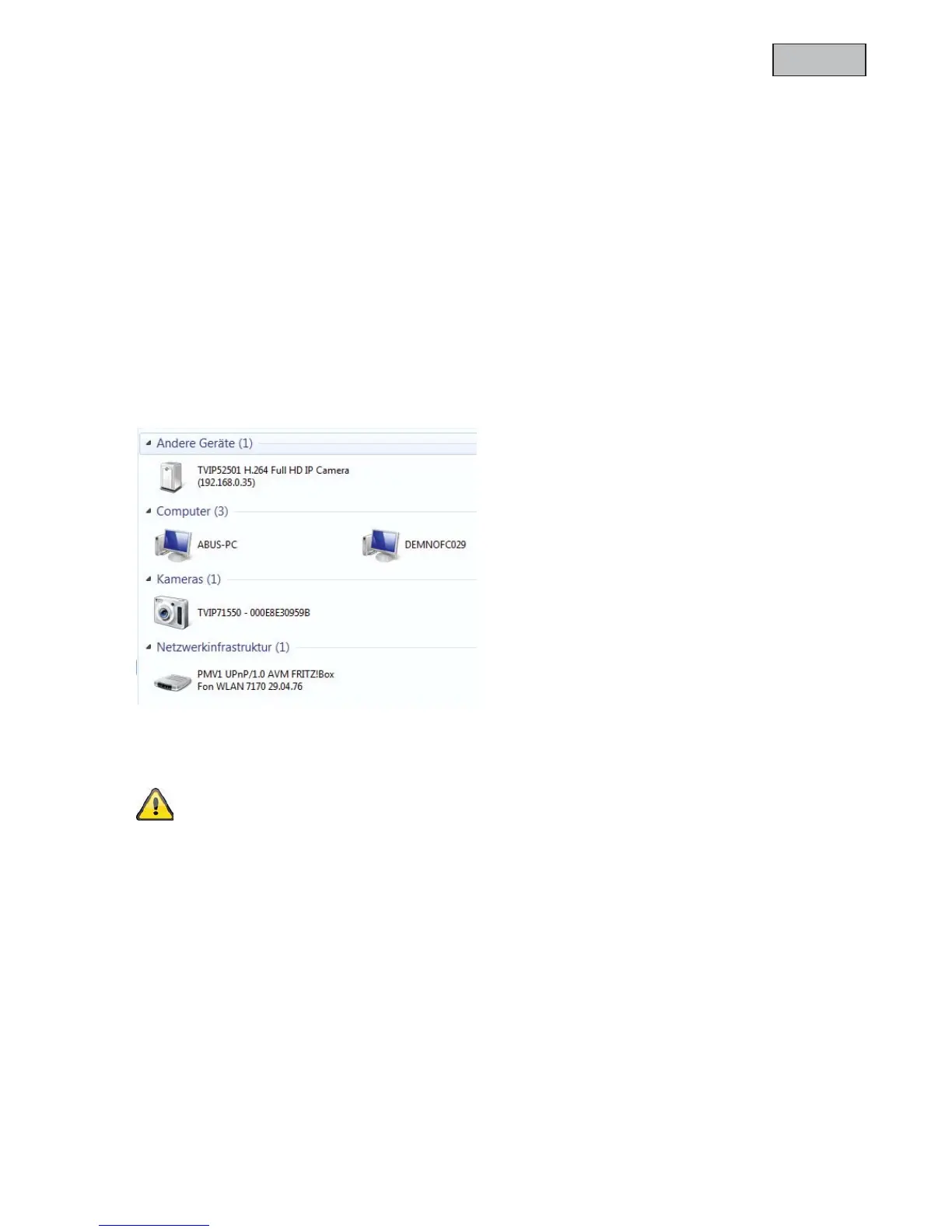
“Use UPnP” This enables Universal Plug and Play. If your operating system supports UPnP, the network
camera can be accessed directly via UPnP management (Windows: network environment)
Make sure that the option “Use UPnP” is always enabled. UPnP is also used by eytron VMS to
search the network camera.
“UPnP port forwarding ON” Enables Universal Plug and Play port forwarding for network services. If your
router supports UPnP, then port forwarding for video streams is activated automatically on the router for the
network camera using this option.
“PPPoE” Use this setting if the network camera is connected directly to a DSL modem. You will receive a
user name and password from your ISP (Internet Service Provider).
“IPv6” Use this function to work with IP addresses of generation v6.



 To Next Page