System control
14
Keyboard
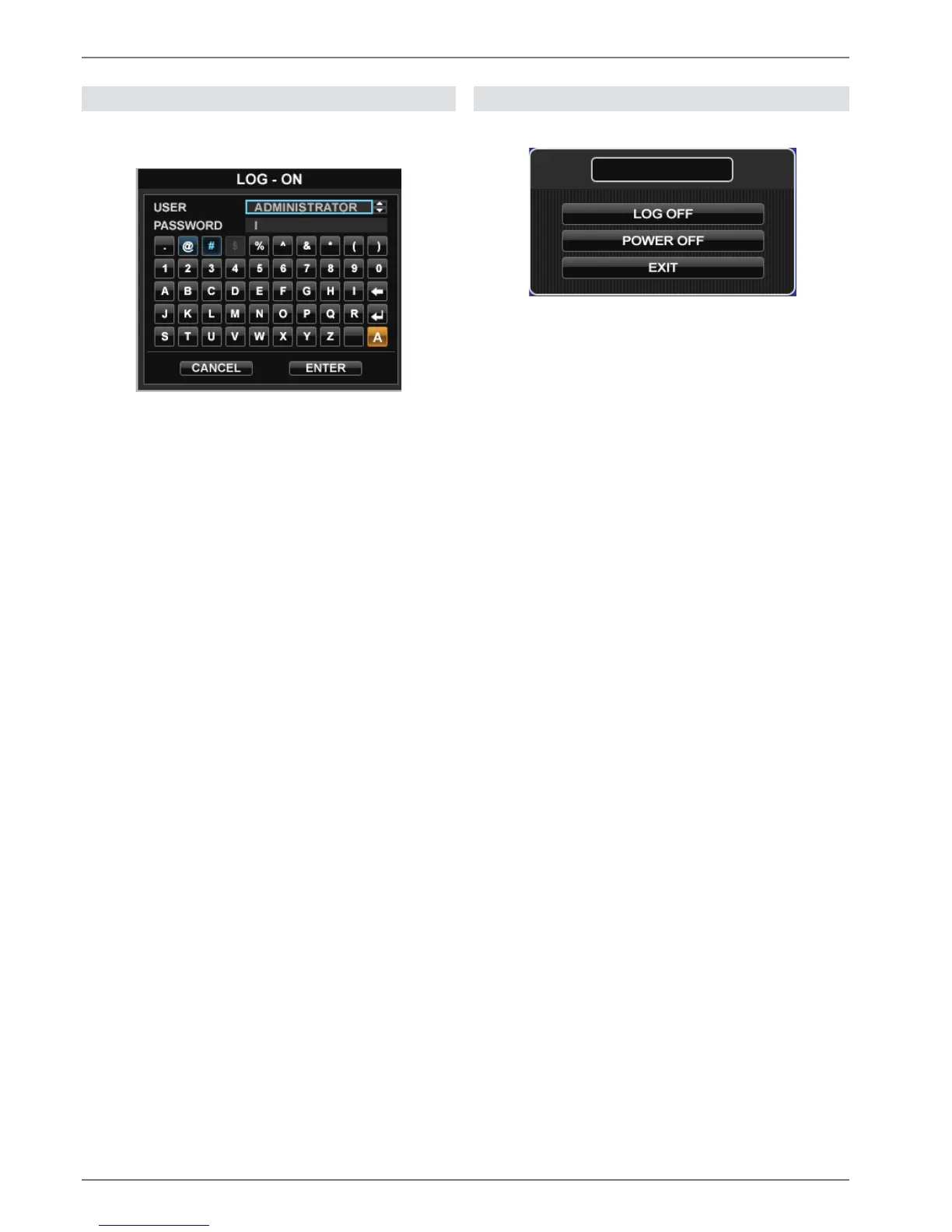
The on-screen keyboard appears after clicking on a text
entry field with the mouse:
The keys have the same function as on a computer key-
board.
x To enter the character, left-click the mouse.
x To finish data entry, press Enter.
x To delete the character in front of the cursor, click on
.
x To switch between upper and lower case, click on the
framed a symbol. The current setting is displayed
above the keyboard.
x To cancel the entry or exit the field, press ESC.
Switching off and locking the device
Click on “Power” in the main menu.
The overview appears.
x To switch off the device, select Power Off and con-
firm by entering the password. The device is then
switched off.
x Do not press any keys during the shutdown pro-
cedure.
3. To lock the system, select Log Off and confirm by
entering the password. The user interface is now
locked and a password must be entered to access
the menu.
Switching on the device
x Press the POWER key to switch the device back on.



 To Next Page