Menu
16
Menu
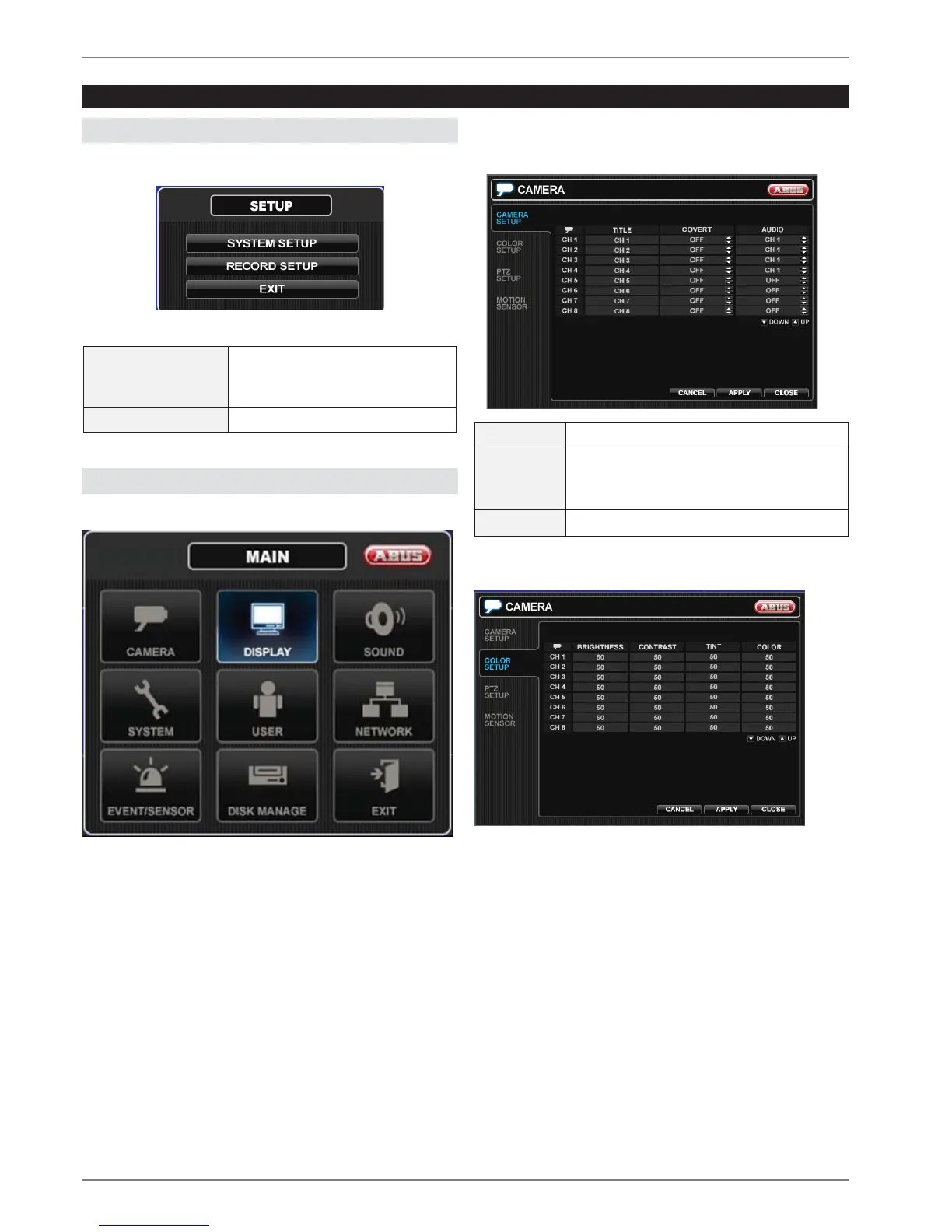
SETUP
After pressing the Setup button you can choose to enter
the SYSTEM or RECORD setup.
SYSTEM SETUP
Camera, Display, Sound, System,
User, Network, Event/Sensor,
Disk Management
RECORD SETUP Recording settings
SYSTEM SETUP
All non recording specific setting can easily be made
here.
CAMERA
CAMERA SETUP
TITLE
Camera name
COVERT When it is set to ON, the camera image is
not displayed in live display but continues
to be recorded.
AUDIO Determines the audio recording channel.
COLOR SETUP
Brightness, contrast, tint and color can be adjusted for
each individual channel.



 To Next Page