Menu
26
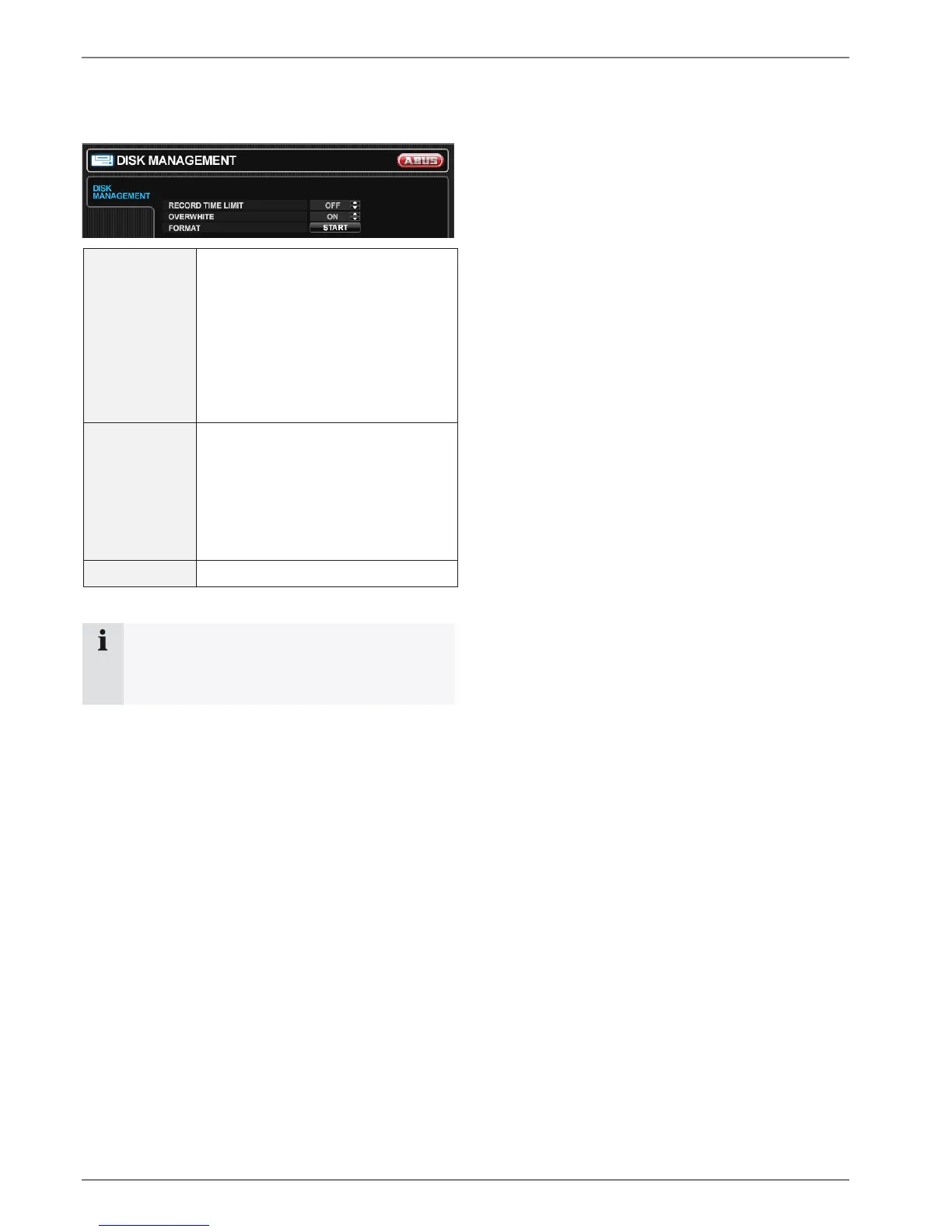
DISK MANAGE
DISK MANAGEMENT
RECORD TIME
LIMIT
In certain circumstances, it may be
necessary to limit the amount of
data stored on the HDD (to comply
with data protection laws for
example). Recording can be limited to
12 hours, 1 day, 2 days, 3 days, 1
week or one month. Once the DVR
has reached the limit, it will start to
overwrite the earliest recorded data.
OVERWRITE If set to ON, the DVR will start to over-
write the earliest recorded data, once
the hard drive is full. In this case, the
HDD used percentage shown in the
live display will always be 99%. When
it is set to OFF, the DVR will stop re-
cording when the disk is full.
FORMAT Click to format all data on the HDD.
Note
When a RECORD TIME LIMIT is set, the
OVERWRITE option cannot be
changed.



 To Next Page