Archiving
29
Archiving
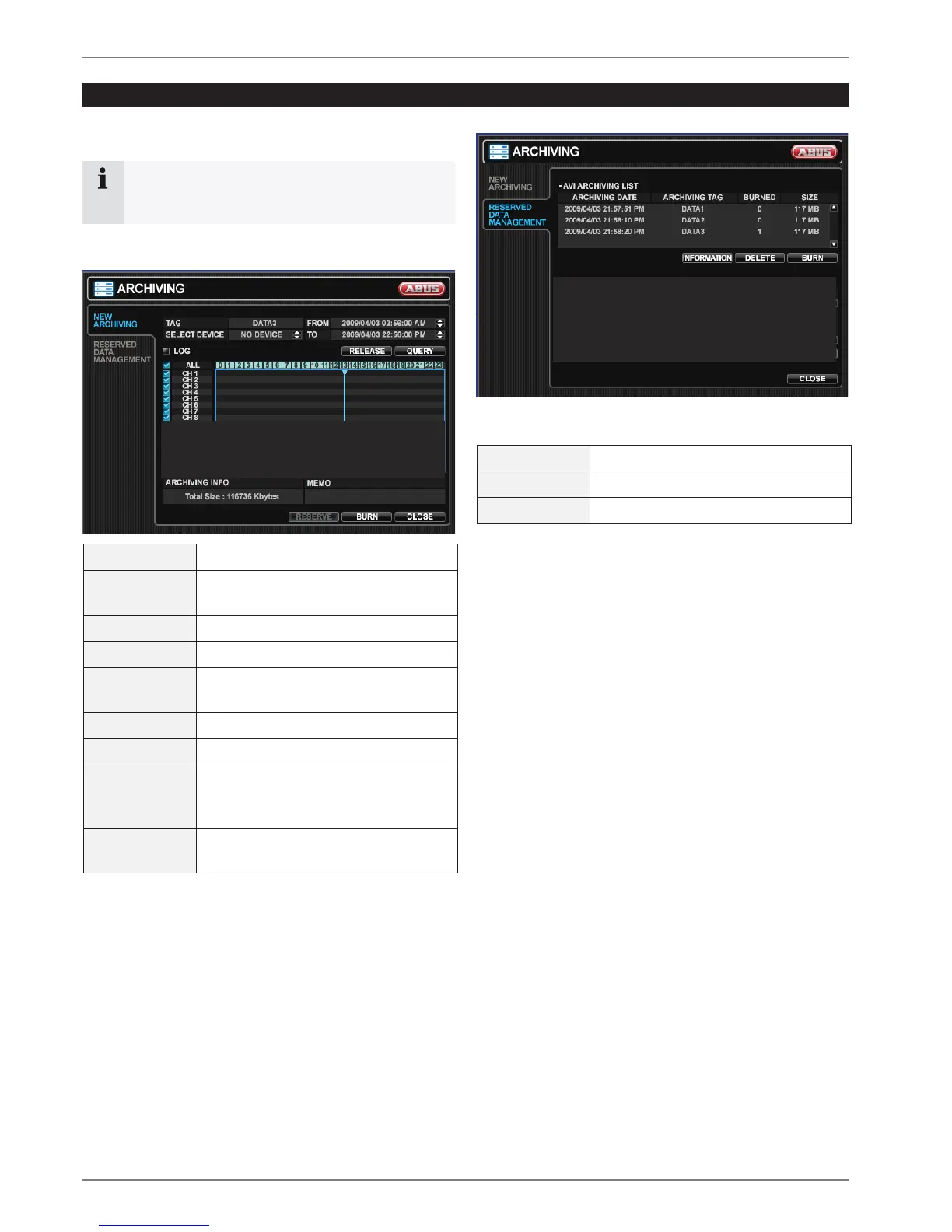
In the Archiving menu you can search for recorded data
and create a backup to a USB memory stick.
Note
To protect unauthorized viewing and distribution of
data, only the ADMIN user level can archive data.
NEW ARCHIVING
TAG Enter a name to identify the archive.
SELECT
DEVICE
Select a USB memory device.
FROM Enter a start time.
TO Enter an end time.
LOG Select if a log file should be copied to
the USB medium.
QUERY Press to search for data.
RELEASE Press to release search results.
RESERVE Press to place the search result to
RESERVED DATA MANGEMENT and
burn later.
BURN Press to copy current search result to
connected USB medium.
RESERVED DATA MANGEMENT
All reserved video and snapshot files are listed here.
INFORMATION Further information of reserved data.
DELETE Delete reserved data.
BURN Backup reserved data.



 To Next Page