11
INSTALLATION
STEP 3
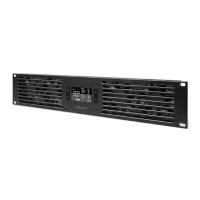
Plug in the DC connector to the POWER port
on the backside of the rack fan unit.
STEP 4
Plug the AC power adapter into a standard power
outlet. Check to see if the LCD screen is displaying
content. The probe’s temperature reading will not
be displayed until the probe is connected.



 To Next Page