21
PROGRAMMING
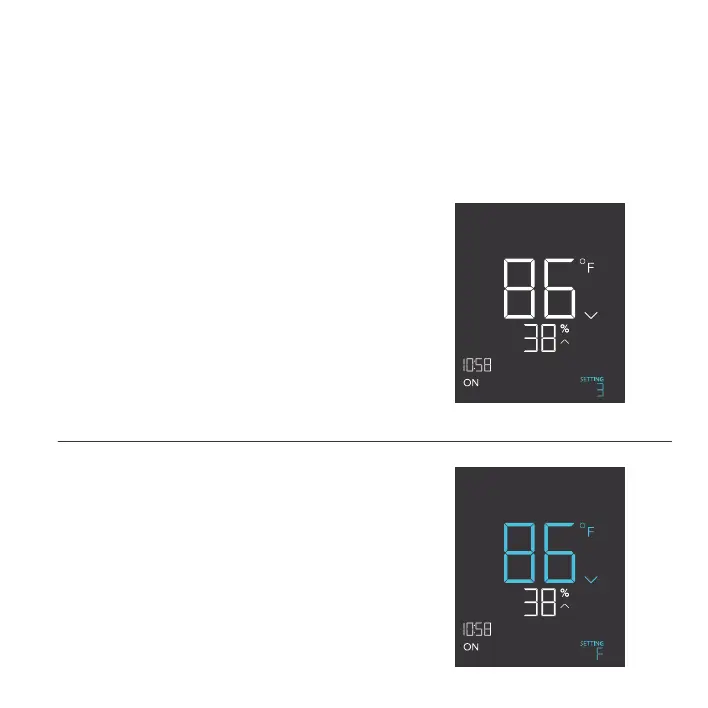
°F/°C SETTING
Changes the displayed units to Fahrenheit or Celsius.
Press the up or down button to cycle through °F and
°C. All displayed units will automatically convert when
adjusting this setting.
DISPLAY SETTING
Adjusts the display brightness and auto-dimming. Press
the up or down button to cycle through levels 1, 2, 3, A2
and A3; 3 being the highest brightness setting, while 1
is the lowest. In settings 1, 2 and 3, the display will stay
at that brightness level and will not automatically dim
the display.
A2 and A3 will set the brightness level at 2 and 3,
respectively, and will dim down the brightness level 1
when the controller is not being used after 15 seconds.
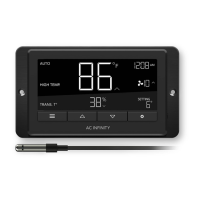
CONTROLLER SETTINGS
Pressing the setting button will cycle through the controller’s available settings: DISPLAY, °F/ °C,
CLOCK, CALIB. T°, CALIB. H%, BUFFER T°, and BUFFER H%.
DISPLAY
PM
°F/°C
PM


 To Next Page