20
SCHEDULE MODE (ON AND OFF)
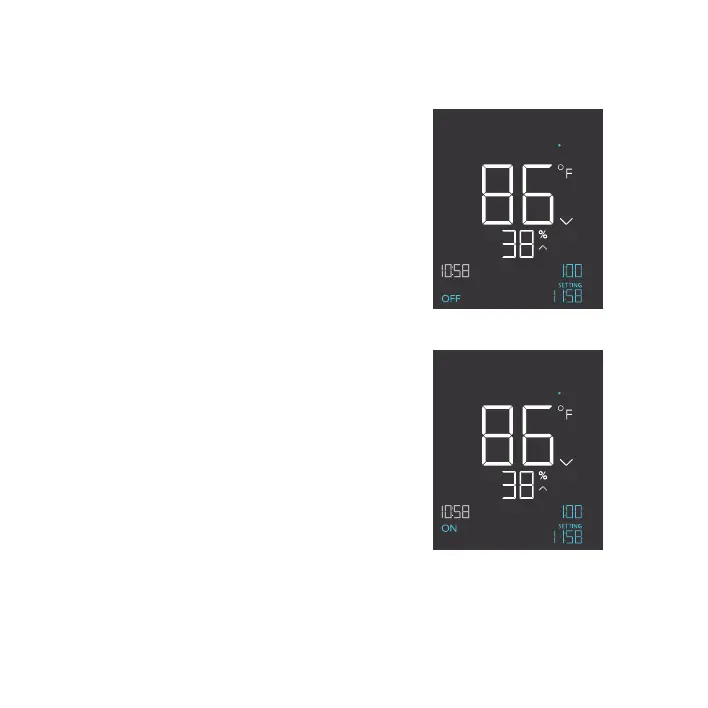
Sets an ON clock-time and an OFF clock-time
schedule for your device to follow daily. Press the
up or down button to set a clock time for your device
to turn on. Then press the mode button and use the
up or down button to set a clock time for your device
to turn off. Refer to page 22 to learn how to set the
controller’s clock time.
The countdown will begin if no buttons are pressed
for 5 seconds. The time left on the countdown before
the next ON or OFF phase is shown on the lower
right corner of the display above the setting. Your
device will not follow this schedule if you leave this
mode. If you re-enter the schedule mode, it will
continue to follow the latest schedule you have set.
ON
PM
OFF
SCHEDULE
PM
TO
ON
PROGRAMMING
ON
PM
TO
OFF
OFF
SCHEDULE
PM


 To Next Page