94 CHAPTER 16
The Parameters
OSC SECTION (ENCODER)
The following section lists all parameters
in the Virus, each with a brief definition
or explanation.
. In case, a parameter is only available
in the Expert Mode, the prefix [XP] has
been used in front of the parameter’s
name.
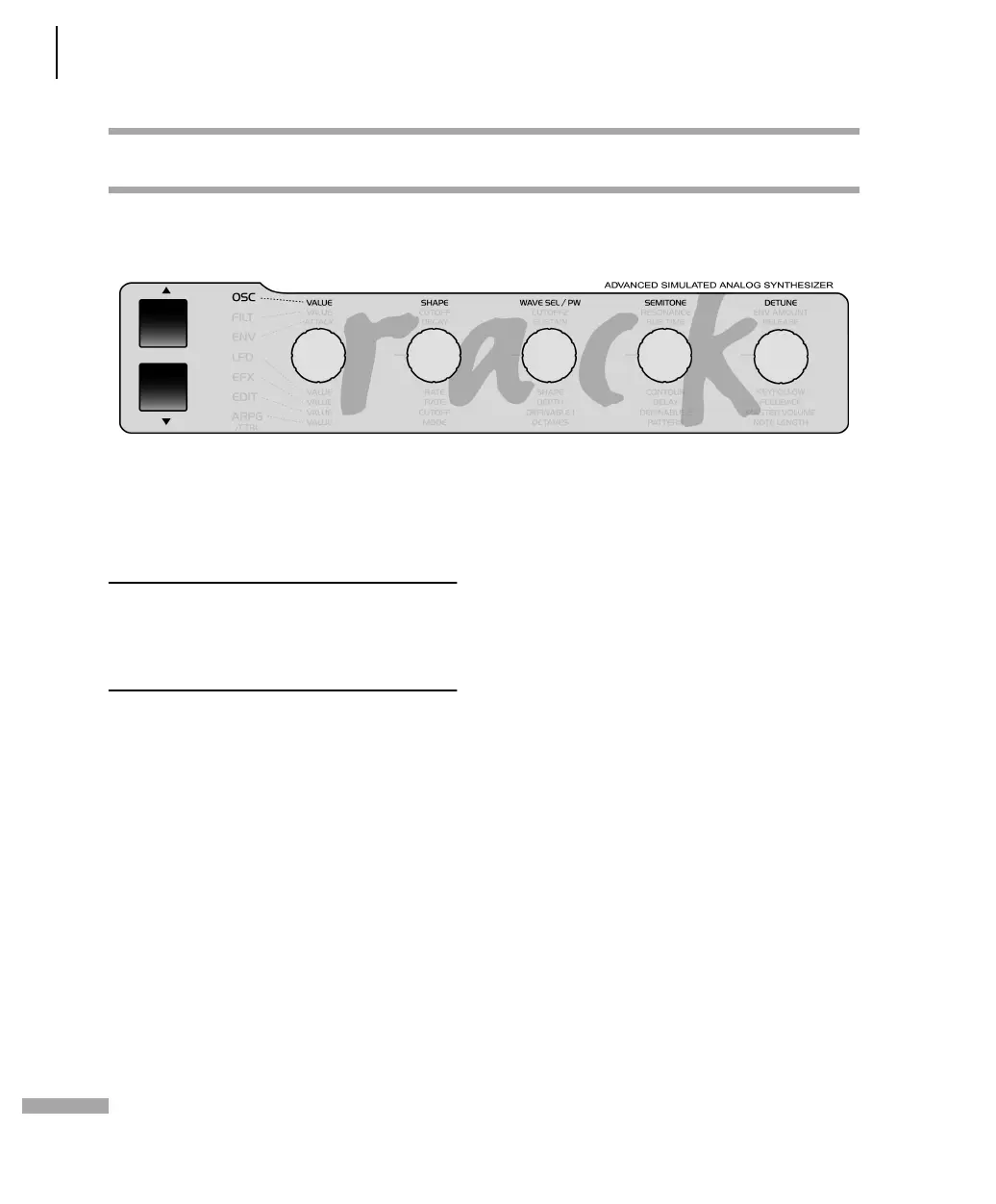
The function of the Encoders depends on
the selected section and the currently
active display menu. If the given Encoder
does not have an assignment, the corre-
sponding LED on the front panel will
extinguish. If no menu is activate (none
of the seven section LEDs is illuminated),
then the Encoder assignments are deter-
mined by the Edit section.
EXPERT MODE: The Virus Rack features
numerous parameters. Many of these
you can occasionally do without because
they are not absolutely essential to basic
sound programming, and they do tend
to make the device a little more chal-
lenging to handle. EXPERT mode can
solve this problem. It lets hide and show
rarely used parameters in the display
menus. In the chapter "The Parameters",
those parameters that belong to EXPERT
mode are labeled (XP). When EXPERT
Mode is switched to "Off", then those
parameters are hidden.



 To Next Page