Installation and Operation Manual
Page 11
Off-Add or Remove Hardware
The Off Add/Remove Hardware mode has two functions:
1. To place the controller in OFF Mode
2. To facilitate Hardware Setup
When you select Off Add/Remove Hardware the controller takes 4 seconds to shut down.
This is done so that turning the knob through this position will not unintentionally turn off
the controller.
In
Off Mode
the controller is OFF and will not water. The controller display shows the
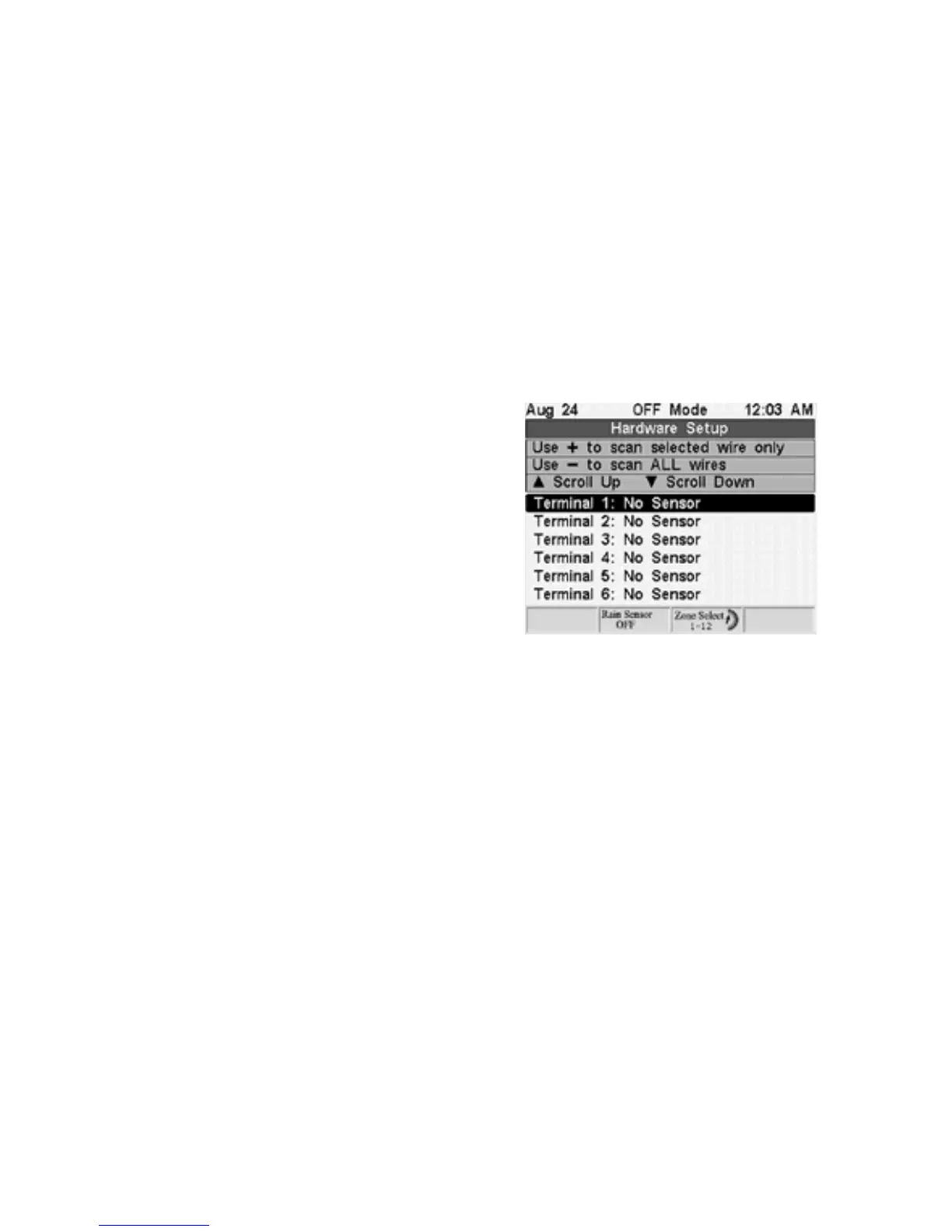
Hardware Setup Screen.
In
Hardware Setup
the controller automatically scans and detects hardware installed
throughout the system. It is necessary to scan the system and detect hardware whenever
sensors are installed or removed. The controller will also detect any installed Flow and
Pressure Meter.
Every installed sensor will cause the controller to
create a new Program associated with that
sensor. You will then configure that Program with
watering days and start times. Any of the zones
can then be assigned to that Sensor Program.
The zone that waters the sensor must be
assigned to that Program.
For example, in the screen at the right notice that the terminal for zone 2 is wired to a
sensor. That sensor will be called Sensor 2 and the controller will create a Program for it
called S2.
If you press (
+
) the controller will scan the highlighted terminal for hardware. If you press
(
-
) all terminals will be scanned for hardware.



 To Next Page