Installation and Operation Manual
Page 13
Watering Start Times
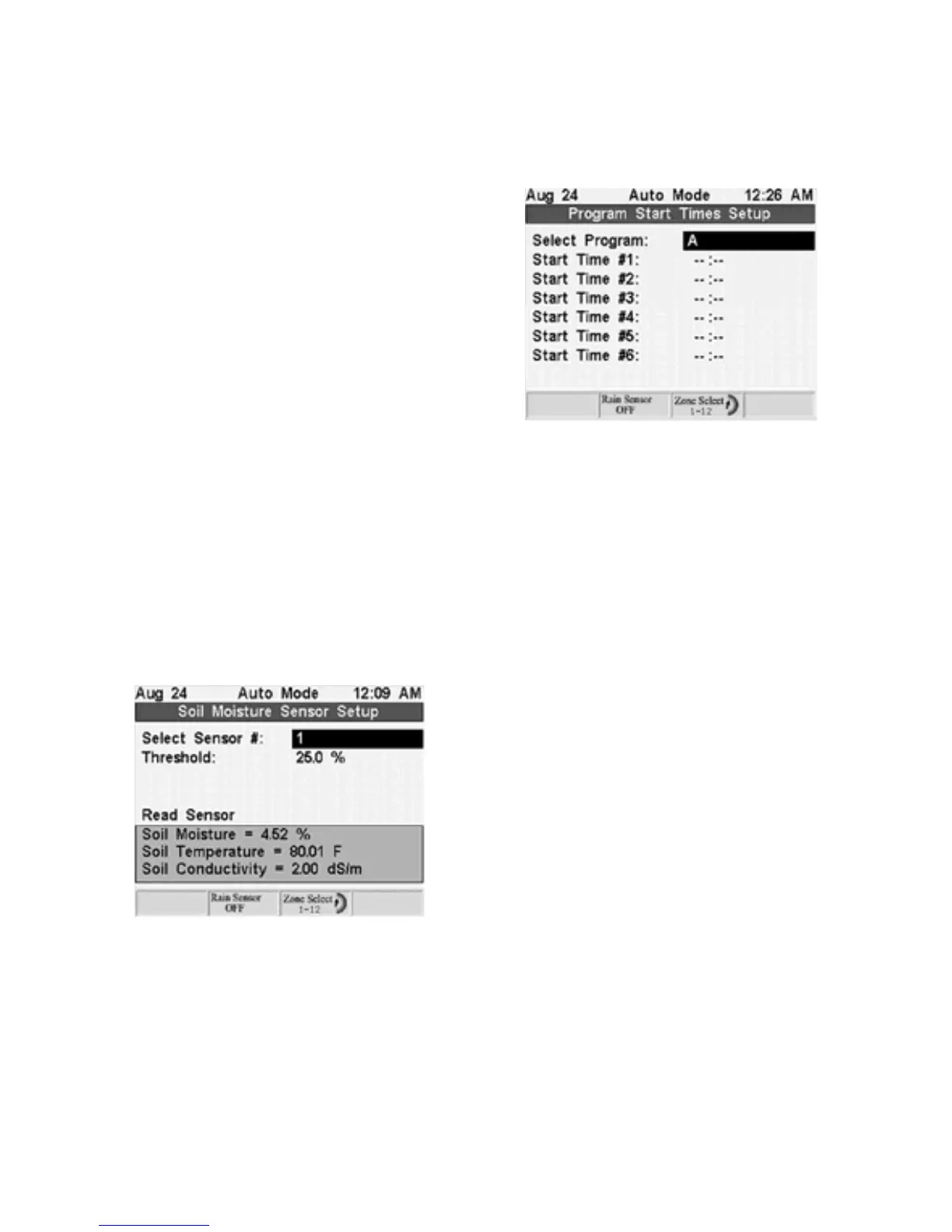
Watering Start Times allows you to select when each program begins to water. Each
program can have up to 6 start times. Setup is the same for both timer programs (A, B,
C, and D) and sensor programs (S1, S2, S3…S36).
1. Press the
+
or
-
Adjust Value
buttons to select
which program start times you want to setup.
2. Press the
Next
and
Prev
buttons to
move between each of the 6 start times.
3. Use the
+
or
-
Adjust Value
button to select
the desired start time.
Soil Moisture Sensors
Soil Moisture Sensors enable you to adjust the moisture thresholds for each sensor in the
system and take a sensor reading. Sensors read and display:
·
Soil Moisture – reported as percent moisture by volume
·
Soil Temperature in degrees Fahrenheit
·
Soil Conductivity reported in deci-Siemems per meter (dS/m).
The default soil moisture threshold is 25%. You should adjust your thresholds based on
your unique soil conditions in accordance with instructions at page 13-14.
1. Press
+
or
– Adjust Value
to select the
sensor.
2. Press
Next
to move to the threshold field and
use the
+
or
-
Adjust Value
buttons to change
the threshold.
3. To read the sensor press
Next
to move to the
Read Sensor field and press the
+
Adjust Value
button to take a sensor reading.
After a few seconds the sensor reports the current soil moisture, temperature, and
electrical conductivity at the sensor.



 To Next Page