Installation and Operation Manual
Page 19
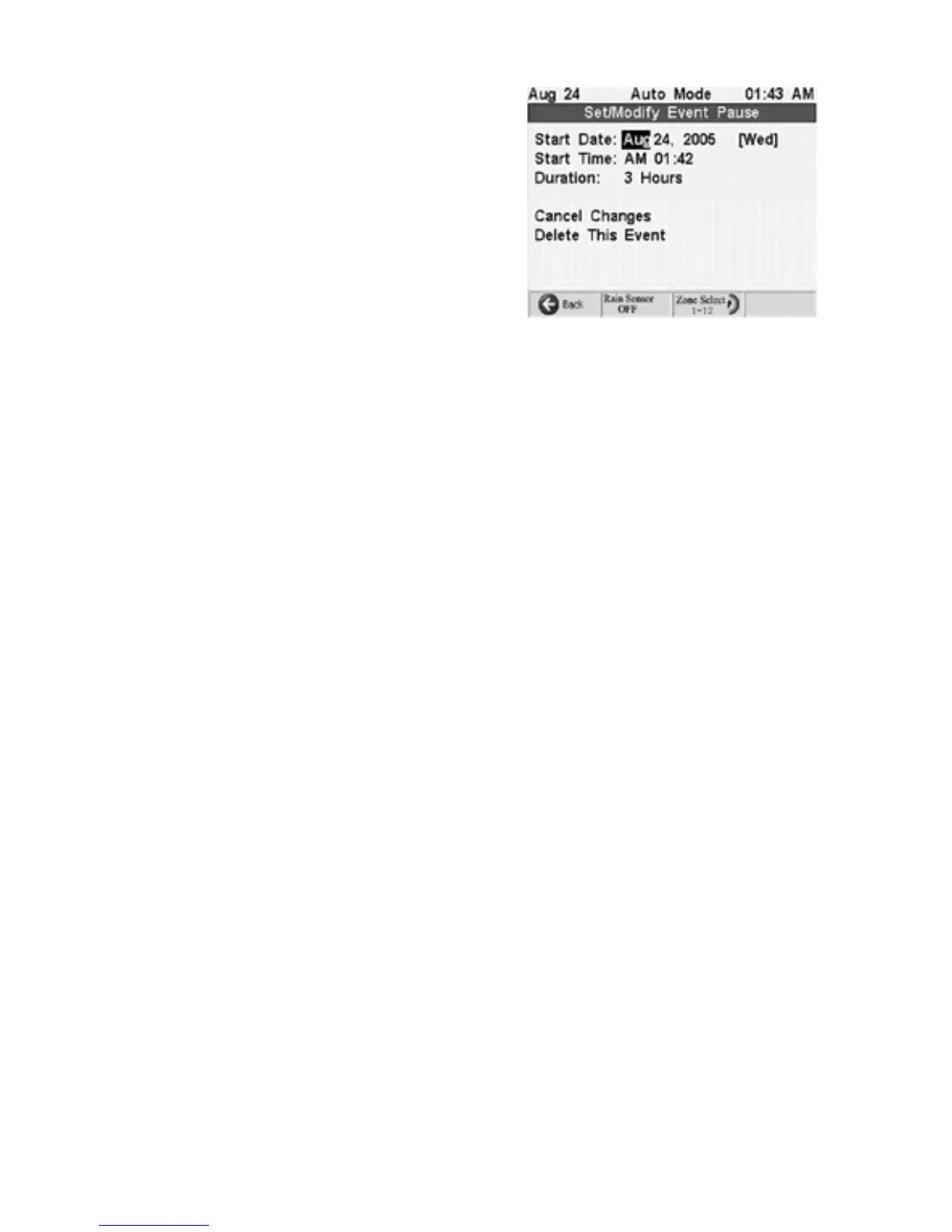
3. Once the desired event is set press the
Next
button to move to the Save Changes field
and press
+
Adjust Value
. Or you can press the
soft key below the save changes icon near the
bottom of the display.
4. To cancel changes move the Cancel Changes
field and press
+
Adjust Value
, or to delete the
even move to the Delete This Event field and
press
+
Adjust Value
.
Pause
To immediately pause all watering highlight the Current Pause Duration field using the
Next
and
Prev
buttons. Use the
+
Adjust Value
button to set the pause time in 5
minute increments. The pause will begin immediately. To return to automatic watering
press the Resume Auto soft Key.
Advanced Options
NOTE
: This option provides advanced control of the irrigation, and is not required for the
controller to operate.
The Advanced Options are miscellaneous systems settings and messages. They are:
·
LCD Contrast Adjustment
·
Maximum Zones On, for multi-zone watering default 4
·
Read/Clear Status Messages
·
Erase Controller Memory
LCD Contrast
Adjustment
: Use the
Next
and
Prev
buttons to highlight the LCD
Contrast number. Then use the
+
and
–
buttons to adjust the contrast to your liking. The
default setting is 50.
Maximum Zones ON
: Use the
Next
and
Prev
buttons to highlight this area then use the
+ and – buttons to set the maximum
After Power Failure Reset/Recover Mode
: Reset Mode, causes the controller to ignore
any watering during the power failure and resume the schedule when the power returns.
Recover mode, causes the controller to resume any watering in progress during the
power failure and scheduled watering during the power failure. The controller catches up
on missed watering.
Read/Clear Status Messages
: Periodically you should check the status messages
associated with your system. The
Auto/Run
knob position also displays a line indicating
the number of status or error messages. If you are troubleshooting the system you will
want to look here to determine what the system knows about the problem you are
pursuing. Following is a list of potential messages:
Ribbon Cable Unplugged:
This is a fatal condition. The SC24/36 cannot operate due to
an unplugged cable. The ribbon cable is behind the front panel. It should be plugged into
the upper socket in the plastic slot. If the cable is ok then some other error exists and the
controller will need factory attention.



 To Next Page