23
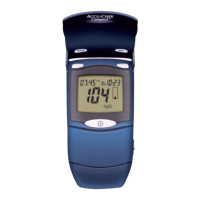
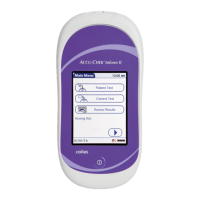
1. Press the On/Off button to
power on the meter.
2. Once the Power Up screen
appears, touch
to proceed
to the Operator ID screen, or
wait 5 seconds and the meter
automatically proceeds to the
Operator ID screen.
Control Testing
How to Perform Control Testing


 To Next Page
 Loading...