EasyManua.ls Logo

Acculab ECL6 - Page 15

Acculab ECL6
32 pages
Print Icon
To Next Page IconTo Next Page
To Previous Page IconTo Previous Page
Loading...
15
6.2.5 t
6.2.4 oz
6.2.3 lb
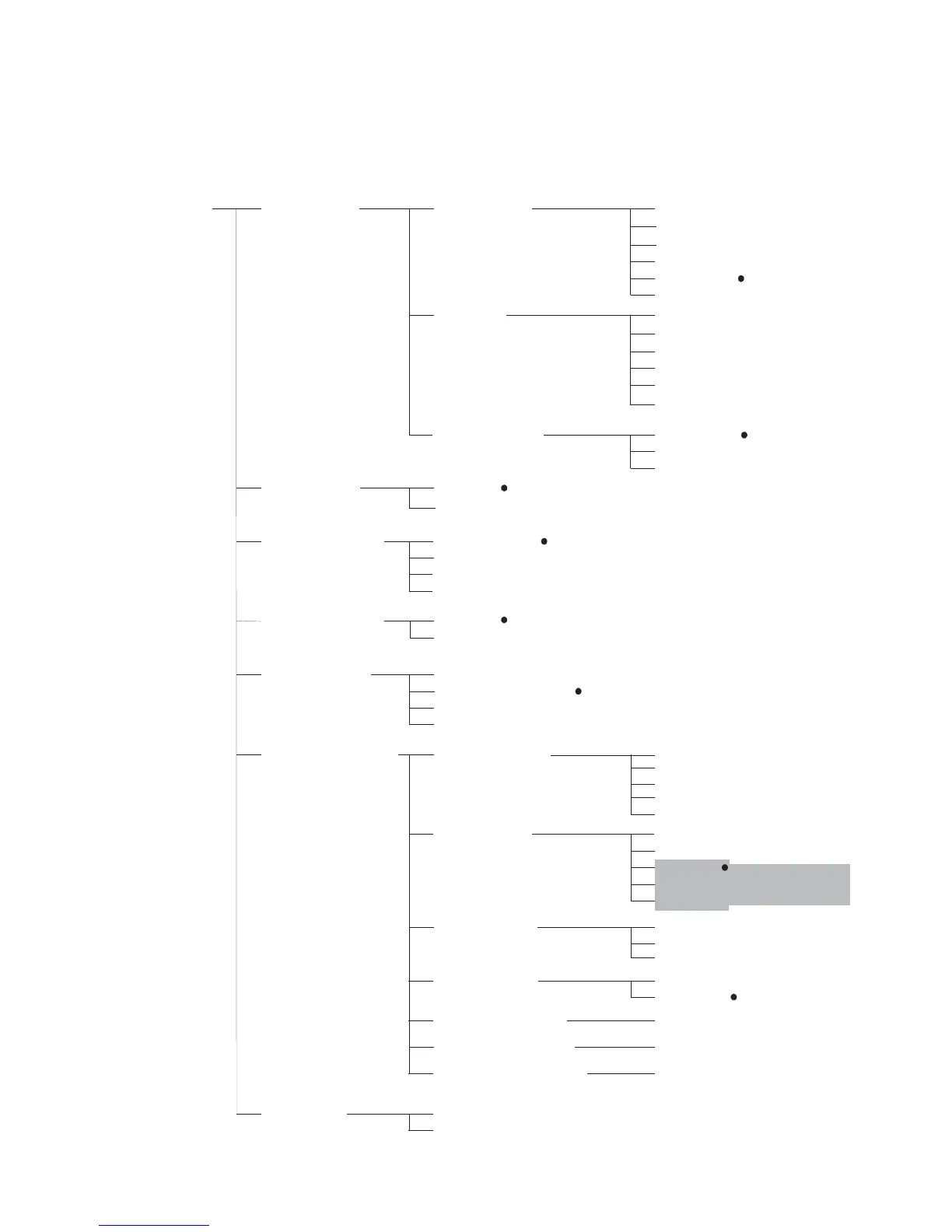
Setup Menu 1. Serial COM
3. Auto Power Off
2. Backlight
5. Adapter Filter
6. ADC Configuration
1.1 Baud rate
1.1. 1 600
1.1.2 1,200
1.1.3 2,400
1.1.4 4,800
1.1.5 9,600
1.1.6 19,200
1.2 Parity
1.2.1 7-bit-None
1.2.2 7-bit-None
1.2.3 7-bit-None
1.2.4 8-bit-None
1.2.5 8-bit-None
1.2.6 8-bit-None
1.3 Print option 1.3.1 Short
1.3.2 Long/block
2.1 On
2.2 Off
3.1 No options
3.2 5 Min
3.4 15 Min
3.3 10 Min
5.1 Very stable conditions
5.2 Stable conditions
5.3 Unstable conditions
5.4 Very unstable conditions
6.1 Decimal point
6.1.1 0
6.3 Step width 6.3.1 1
6.1.5 4
6.1.4 3
6.1.3 2
6.1.2 1
6.3.3 5
6.3.2 2
6.2 Basic unit 6.2.1 g
6.2.2 kg
4. Standby Options
4.1 On
4.2 Off
For some countries,
these units are disabled
6.4 e<>d frame
6.4.1 On
6.4.2 Off
6.5 Adjust FSD (span)
6.5.1 (Enter FSD weight )
6.6 Calibration weight
6.6.1 (Enter CAL weight )
6.7 Linearisation weight
6.7.1 (Enter Lin weight )
7. Reset Menu
7.2 Restore
7.1 Do not restore
1.3.3 Continuous

Related product manuals