To configure the user interface of the scale to individual requirements
Step Key (or instruction) Display
1. Switch off the scale (ON/OFF)
2. Switch on the scale (ON/OFF)
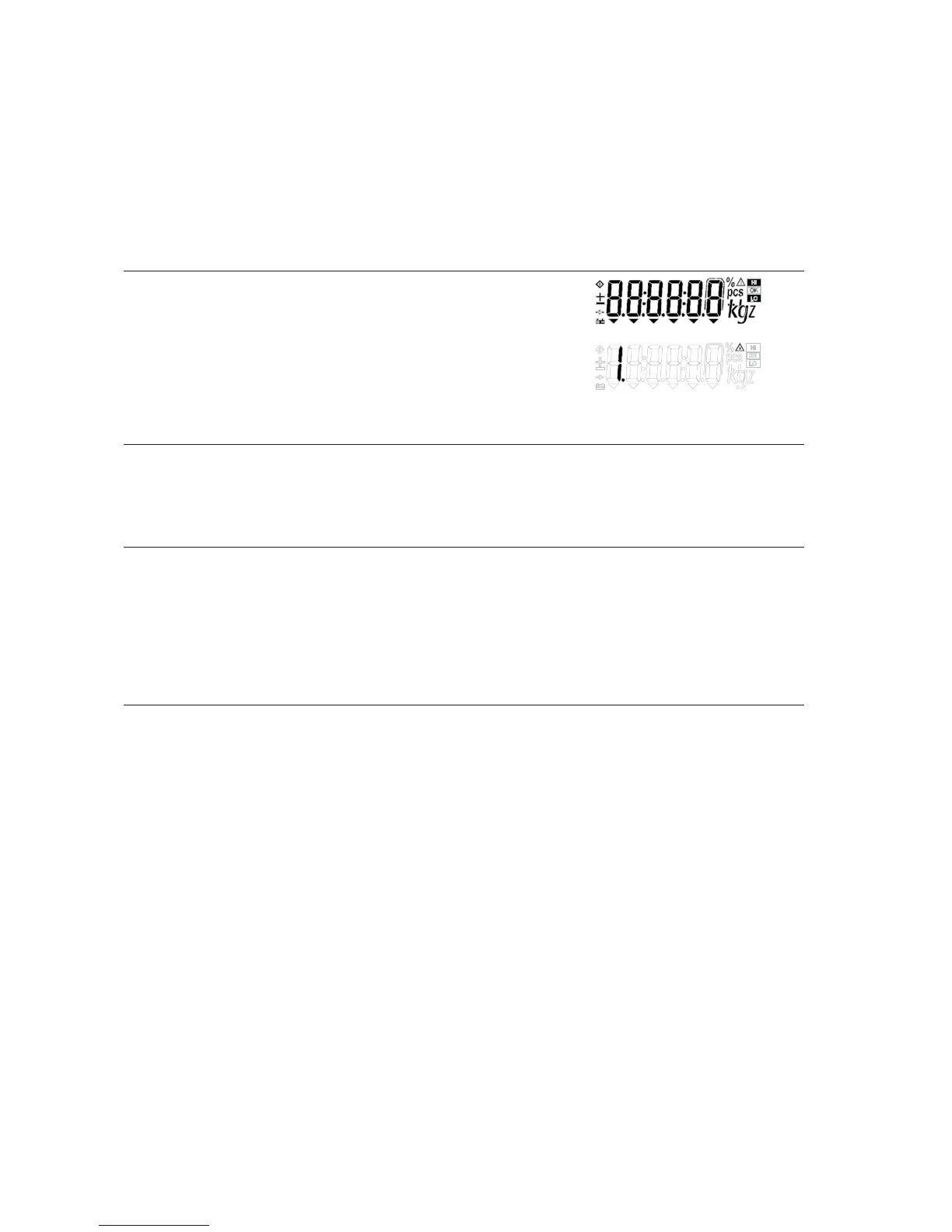
3. While all the segments are displayed: (ZERO/LEFT) > 2 sec
Navigation in the Setup Menu
Key Function
(PRINT/ENTER) Menu item: confirm setting
(Fn/UP) Menu item: Scroll up
Digit input: Increment
(G/N/DOWN) Menu item: Scroll down
Digit input: Reduce by 1
(ZERO/LEFT) Digit input: Selection shift left
(TARE/RIGHT) Digit input: Selection shift right
Configuration (Setup Menu)
14


 To Next Page